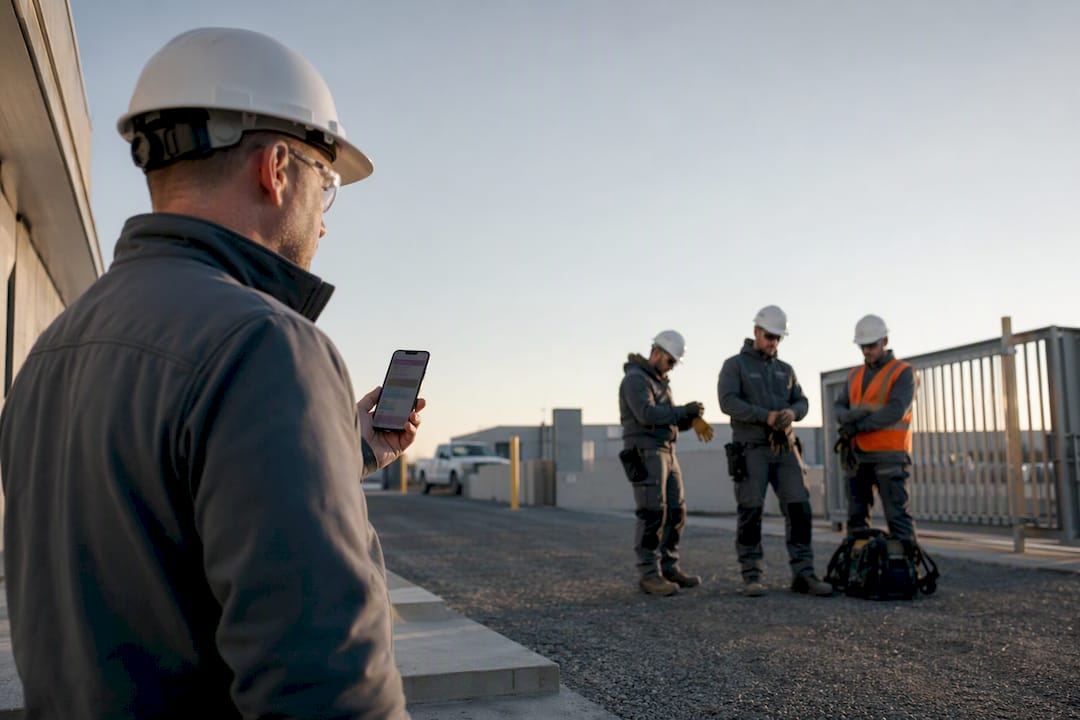
The correct approach to digital safety bulletin distribution combines three steps: share a job-specific topic with the crew, run a supervisor-led toolbox talk on-site, and capture signed attendance in an exportable format. OSHA accepts electronic records when they document employee identity, training date, and any certification component the standard requires. My Safety Solution builds its platform around exactly this sequence, pairing scheduled topics with the human discussion inspectors expect to see.
TL;DR:
- Distribution should be job-specific and reviewed by a supervisor before the shift, with notifications sent early to encourage genuine engagement.
- OSHA records require attendee and trainer names, training date, topic, signatures, and evidence of comprehension, not just electronic logs.
- Fallbacks for poor coverage, multilingual options, and device access methods are critical for reliable, field-suitable safety software.
- Record exports must include consistent fields like attendance, trainer, date, and signatures, and records should be retained securely for the required duration.
- Combining supervisor-led discussions with digital documentation maximizes safety training effectiveness and compliance during audits.
Table of Contents
- How Do You Distribute a Safety Bulletin the Right Way?
- What Records Does OSHA Actually Require?
- What Technical Choices Actually Matter in the Field?
- What Should You Track, and What Should the Export Look Like?
- Why the Hybrid Model Beats Both Extremes
- Running This Workflow With My Safety Solution
- Sources
- FAQ
How Do You Distribute a Safety Bulletin the Right Way?
A safety bulletin does nothing on its own. It becomes training only when a supervisor turns it into a conversation, and it becomes a defensible record only when you capture what happened next. Here is the operational sequence that satisfies both requirements.
- Select or tailor the topic. Pick a hazard-specific subject that matches the actual jobsite conditions that week, not a generic library entry. If you’re using AI-generated content, a supervisor should review and adjust it for local hazards before it goes out.
- Push the topic ahead of the shift. Send it the night before or first thing in the morning, through whatever channel your crew actually checks: a mobile app notification, a text link, or a shared tablet at the gate.
- Run the supervisor-led discussion. This is the step that separates documentation from training. A supervisor talks through the hazard, demonstrates the control measure if one applies, and takes questions.
- Capture the record. Log attendee identity, trainer identity, date and time, and a signature or attestation for each worker present. If the topic requires a comprehension check, do it now, not later.
- Handle absentees immediately. Reassign the topic, document your outreach attempt, or schedule a short make-up session before the next shift starts.
- Export and archive. Generate an audit-ready report the same day, while details are fresh and before anyone forgets who signed what.
This closed loop matters because CPWR/NIOSH-supported research found that supervisors who received scripted toolbox talks by mobile phone every other week largely wanted the practice to continue on a regular schedule. Mobile distribution doesn’t just save paperwork. It appears to make crews more receptive to frequent, short-form safety instruction rather than less.
Pro Tip: Push the topic before the shift, not during it. A supervisor scrambling to read a notification out loud in front of the crew looks exactly like what it is: a compliance afterthought, not real training.
What Records Does OSHA Actually Require?
Safety managers often assume an app log satisfies OSHA on its own. It doesn’t, and the agency has said so directly on more than one occasion.
Start with the fields that matter. OSHA’s confined-space training rule requires records showing each employee’s name, the trainer’s name, and the date of training, and that standard is a useful template for any toolbox talk record. At minimum, your export should include:
- The topic or curriculum covered
- Trainer identity
- Date and time of the session
- Attendee identity for every worker present
- Signature, initials, or another certification component tied to that individual
- Notes on any hands-on demonstration or comprehension check performed
The harder issue is the gap between documentation and effective training. A 2019 OSHA interpretation states plainly that electronic records and apps don’t by themselves establish worker mastery. Interactive or hands-on components remain necessary wherever the standard calls for them. A pushed notification proves you sent something. It doesn’t prove anyone learned anything, and an inspector knows the difference.
One more distinction worth nailing down: a safety-meeting export is not an OSHA Form 300 or 301. Attendance and training records document instruction; injury and illness logs document incidents. Treating one as a substitute for the other is a mistake that shows up fast during an audit.
OSHA’s own 2014 interpretation confirms electronically captured attendance is generally acceptable “when the record identifies the employee and training date and meets the applicable standard’s certification components.” The format isn’t the problem. Missing fields are.
What Technical Choices Actually Matter in the Field?
Most digital safety tools fail not because the content is wrong, but because the technology assumes conditions that don’t exist on a real jobsite. Cell coverage drops out in basements and rural utility corridors. Crews speak more than one language. Not every worker carries a smartphone. Design decisions here determine whether your program holds up or quietly collapses.
- A fallback for dead zones. A supervisor should be able to run a session and still capture attendance, for example by recording the sign-off as the leader or using a paper sheet scanned the same day, rather than losing the record entirely.
- Multilingual delivery at the right vocabulary level. OSHA’s own training standards policy requires training be presented in language and vocabulary workers can understand, and warns that written material alone is insufficient for workers who aren’t literate.
- Supervisor editing before push. AI-generated topics need a human check for jobsite-specific hazards before they reach the crew.
- Device-access fallbacks. Shared device sign-in, QR code check-in, or a simple supervisor attestation covers workers without personal phones. A QR code attendance system solves this cleanly for large crews.
- Access controls on exports. Records need to stay retrievable by authorized representatives without being editable after the fact.
Pro Tip: Test your dead-zone fallback before you need it. Run one toolbox talk at your worst-coverage site and see if the attendance record actually lands in your system the same day. If it doesn’t, you’ll find out during an inspection instead of during a drill.
What Should You Track, and What Should the Export Look Like?
Four numbers tell you whether the program is working: attendance rate, meeting frequency, missed-training follow-up rate, and supervisor confirmation rate. Track them monthly, not just at renewal time.
Your export format matters as much as the metrics. It should be a searchable CSV or PDF, and every row needs the same fields: name, trainer, date, topic, signature status, and a notes column for anything unusual, like a hands-on demonstration confirmed by supervisor initials.
| Field | Why it’s required |
|---|---|
| Attendee name | Identifies who received training |
| Trainer name | Confirms who delivered it |
| Date | Establishes recency and frequency |
| Topic | Ties record to the hazard addressed |
| Signature/status | Certification component OSHA looks for |
Retention and access controls round it out. Use consistent file naming, keep records for the duration your standard requires, and limit edit access to authorized safety personnel. A digital recordkeeping guide for safety meetings walks through naming conventions in more detail.
Why the Hybrid Model Beats Both Extremes
Pure app-based training and pure paper toolbox talks fail for opposite reasons. One skips the human discussion OSHA cares about; the other buries safety managers in filing they never catch up on. The hybrid model works because it keeps the supervisor in the room while removing the administrative drag around them.
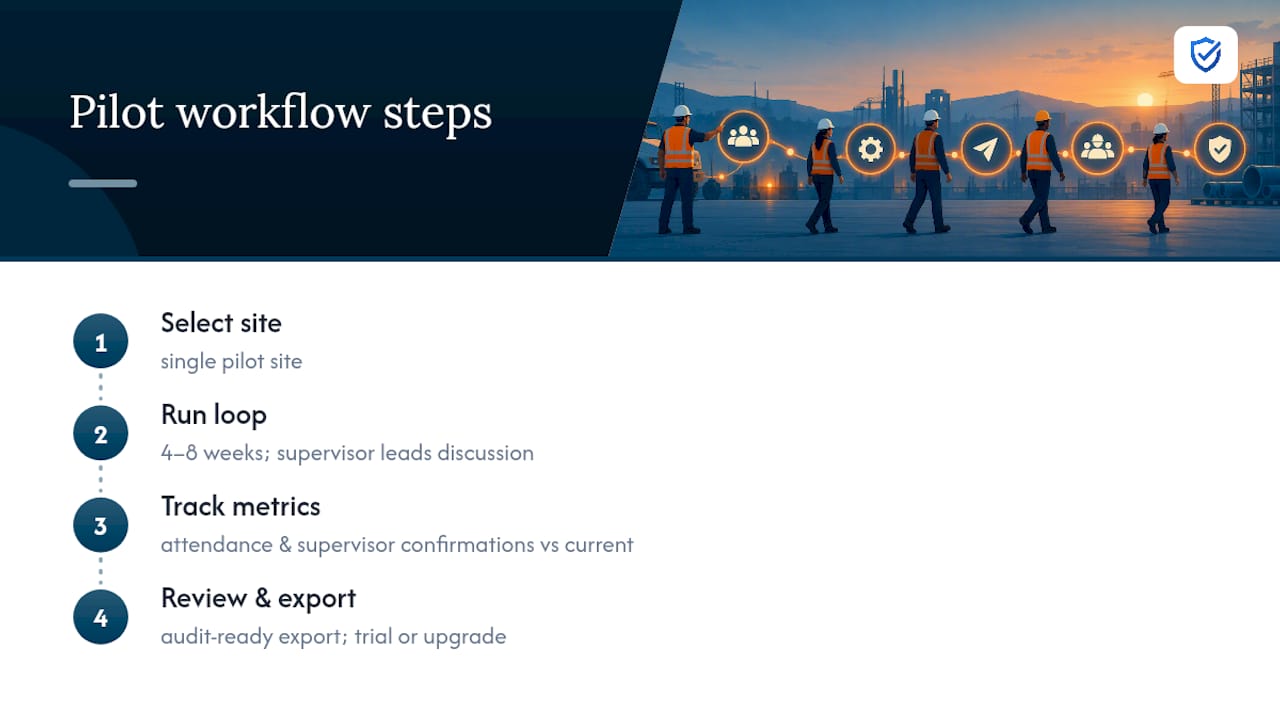
The trade-off is real: you still need a supervisor who takes the discussion seriously and a tool simple enough that nobody skips steps under deadline pressure. If you’re piloting this, run it on one site for four to eight weeks and measure attendance rate and meeting frequency before rolling it out company-wide.
“Pushing safety updates through email or bulletin boards leaves huge communication blind spots. MySafetySolution delivers digital bulletins directly to workers' phones and logs verified confirmations for complete accountability.”
— Matthew Hoffman, President - MySafetySolution
Running This Workflow With My Safety Solution
My Safety Solution is built around the exact workflow this article describes, not a generic app that assumes training ends at a notification. Safety managers schedule talks from a library of 2,500+ topics, ranked by real OSHA injury and citation data for their trade and state, supervisors lead the discussion in person with a presentation mode, and crews sign on their own phones by QR code or link, or the leader records the sign-off, with signatures and timestamps captured automatically.

For a pilot, pick one site, run the full loop for four to eight weeks, and track attendance rate and supervisor confirmation rate against your current process. Every talk is available in English and Spanish, so a rural utility crew and an urban construction site can run the same program without separate workarounds. Plans are priced by headcount, and every plan includes the same features; see the pricing page for details.
If you manage multiple jobsites or client companies, consultants and agencies can manage several client companies from one account, a structure built in rather than bolted on afterward. Review the full feature set or start your 15-day free trial to see how quickly a pilot site produces its first audit-ready export.
Sources
This workflow draws directly on OSHA’s own interpretation letters on electronic training records and language requirements, its recommended safety program practices, and CPWR/NIOSH research on mobile toolbox talk delivery.
- OSHA training Standards Policy Statement. | Occupational Safety and Health Administration
- Mobile delivery of toolbox talks (CPWR/NIOSH-supported study)
- 1926.1207 - Training. | Occupational Safety and Health Administration
FAQ
Does OSHA Accept Digital Signatures for Attendance?
Yes. OSHA’s 2014 interpretation confirms electronic records are generally acceptable when they identify the employee, the training date, and meet any certification component the specific standard requires. A digital signature or badge check satisfies this as long as those fields are present.
Can an App Replace a Supervisor-Led Toolbox Talk?
No. A 2019 OSHA interpretation states that apps and electronic records don’t by themselves establish worker mastery. The app handles distribution and documentation; a supervisor still has to lead the discussion and demonstration.
What Fields Must a Safety Meeting Record Include?
At minimum: topic, trainer identity, attendee identity, date, and a signature or certification component. OSHA’s confined-space training standard uses this same structure as its baseline requirement.
How Much Does My Safety Solution Cost?
Plans are priced by headcount, and every plan includes the same features. See the pricing page for current plans; every plan starts with a 15-day free trial, no credit card required.
Does Mobile Distribution Actually Increase Meeting Frequency?
Evidence points that way. CPWR/NIOSH-supported research delivered scripted toolbox talks by mobile phone every other week and found supervisors largely wanted the practice to continue on a regular schedule, suggesting mobile delivery lowers the barrier to consistent meetings.