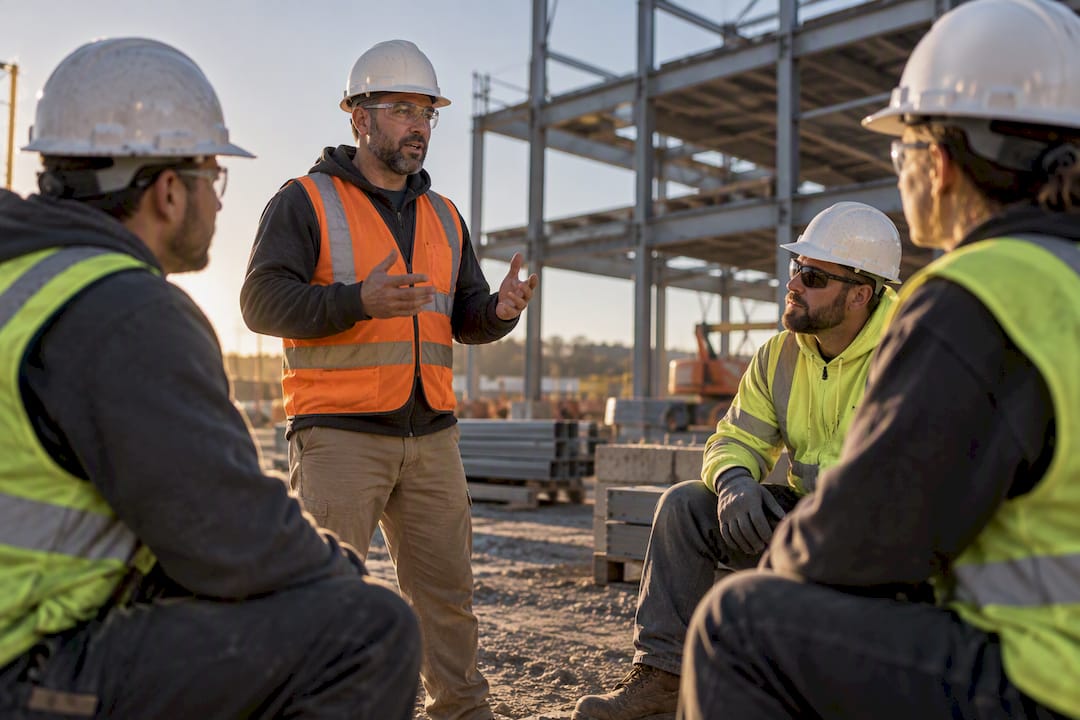
Broadcasting safety messages means pushing short digital toolbox talks, reminders, and alerts to workers’ phones instead of relying on paper handouts or verbal briefings alone. The recommended approach pairs a 5 to 15 minute AI-generated or template-driven message with a timestamped attendance check-in and a one-question comprehension quiz. Done this way, every broadcast produces two things at once: better retention on the job site and an audit-ready record you can pull up in seconds instead of hours.
TL;DR:
- Digital safety broadcasts should be limited to 5 to 15 minutes to ensure high engagement and avoid scheduling conflicts.
- Attaching multimedia and creating content based on recent incidents significantly improves message retention and relevance.
- A record of timestamped check-ins, with optional geolocation, provides a stronger audit trail than handwritten sign-in sheets.
- Safety platforms need features like scheduled broadcasts, multimedia attachments, integrated quizzes, and searchable exportable records for effective management.
- Pilot programs at select sites help confirm workflows, gather feedback, and ensure smoother company-wide adoption before full deployment.
Table of Contents
- What Does a Digital Broadcast of Safety Messages Look Like Day to Day?
- How Do You Design Effective Broadcast Safety Messages?
- Which Platform Features Should You Require Before You Broadcast?
- What Does a Low-Risk Pilot and Rollout Look Like?
- What Security and Device Policies Protect Your Broadcasts?
- What Actually Trips Up Safety Managers Rolling This Out?
- How My Safety Solution Makes Broadcasting Safety Messages Easier
- Resources for Going Deeper on Digital Toolbox Talks
- Sources
- FAQ
What Does a Digital Broadcast of Safety Messages Look Like Day to Day?
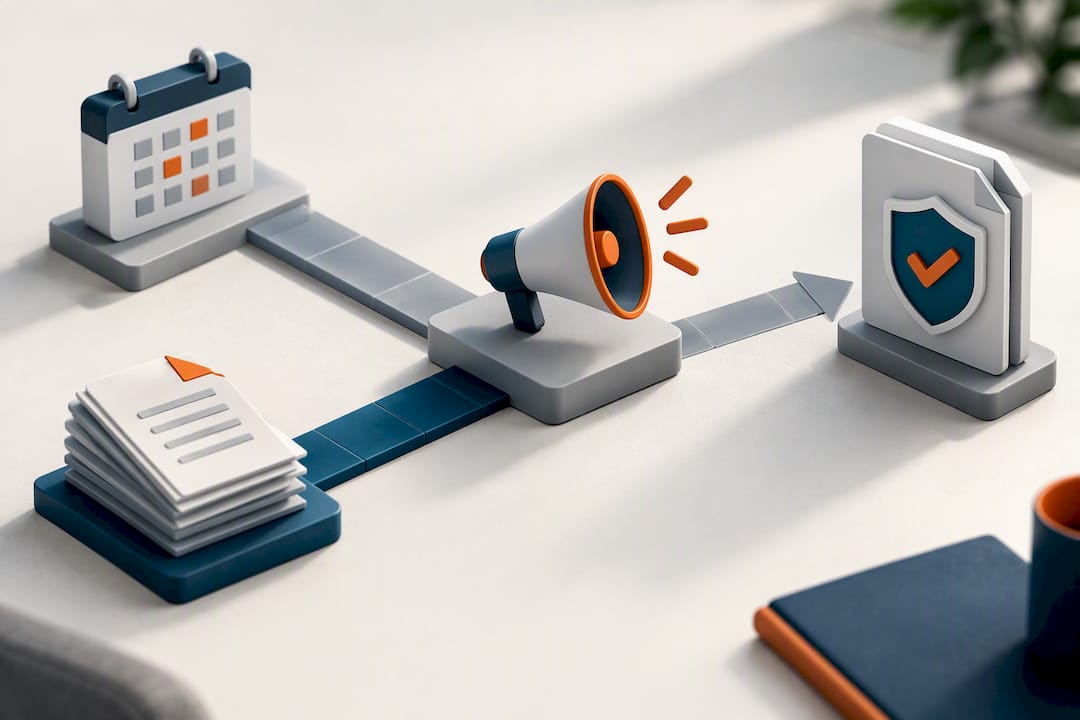
A modern broadcast follows a predictable sequence, and that predictability is what makes it auditable. A supervisor schedules a topic, workers check in, they read or watch the material, they answer a quick question, and any gaps get flagged for follow-up. Nobody is chasing signatures on a clipboard at the end of the shift.
The typical flow breaks down like this:
- A push notification goes out on a set schedule or before a specific task begins.
- Each worker checks in, generating a timestamp and, where the employer requires it, a geolocation tag.
- The worker reads or watches a short safety talk, often with an attached photo, video, or PDF.
- A one-to-three question quiz checks whether the message landed.
- Any missed question or flagged hazard triggers a follow-up action assigned to a named owner.
Multimedia attachments and on-device translation matter more than they might seem to at first glance. A photo of an actual near-miss on site gets more attention than three paragraphs of text, and a worker reading the talk in their own language is far more likely to retain it. This is also where the audit case gets stronger. A digital toolbox talk captures a timestamped, often geolocated check-in and produces records that are searchable and exportable, which beats a stack of handwritten sign-in sheets that may or may not be legible six months later.
How Do You Design Effective Broadcast Safety Messages?
Content and cadence decide whether a broadcast gets read or gets ignored. A message that takes ten seconds to open and drags on for twenty minutes will train your crew to swipe past it, and that habit spreads fast.
Follow these four rules when building out your message library:
- Cap talks at 5 to 15 minutes. The app should add seconds to a worker’s day, not minutes. Anything longer belongs in a formal training session, not a daily broadcast.
- Tie content to real incidents. A near-miss from last Tuesday is more persuasive than a generic hazard reminder, and AI-generated or prebuilt templates can adapt boilerplate content to your site’s actual conditions in minutes.
- Attach 1 to 3 comprehension questions. A single well-placed question forces active recall, and interactive content with a comprehension check measurably improves retention, particularly for workers with less than five years on the job.
- Set a cadence and stick to it. Daily broadcasts on active, high-risk sites; pre-task alerts whenever a new hazard shows up; and a rolling calendar for routine topics on lower-risk crews.
Pro Tip: Write your comprehension question about the one action you most need workers to remember, not the topic’s most interesting fact. If they only retain one thing, make it the thing that keeps them out of the hospital.
Cadence without content discipline just means more noise, and content discipline without a schedule means the important talks get forgotten. You need both running at the same time.
Which Platform Features Should You Require Before You Broadcast?
Not every messaging tool built for retail shift reminders or marketing blasts belongs in a construction or manufacturing safety program. A platform handling safety broadcasts needs to do more work behind the scenes, because every message it sends might one day sit in front of an OSHA inspector or a plaintiff’s attorney.
At minimum, require these capabilities:
- Scheduled pushes with AI-generated or customizable templates, so content stays relevant without a rewrite every week.
- Multimedia attachments (video, PDF, images) to reinforce the talk visually.
- Timestamped check-ins with optional geolocation, plus alternative methods like QR or roster scans for crews without reliable signal.
- A short 1 to 3 question quiz built into the same flow, not a separate app.
- Searchable, exportable records that a safety manager can pull by date, site, or worker in seconds.
- Role-based permissions and multi-company dashboards for consultants managing several clients from one login.
Digital toolbox talk platforms that log timestamped, location-tagged attendance and centralize content control make audit responses faster and considerably harder for an inspector to poke holes in. A safety meeting platform built for construction crews should handle all of this from one dashboard rather than stitching together a messaging app, a separate quiz tool, and a spreadsheet for records.
What Does a Low-Risk Pilot and Rollout Look Like?
Mandating a new broadcast system across every site on day one is the fastest way to get it ignored, quietly worked around, or actively resented. A phased pilot gives you real data before you ask every supervisor to change their habits.
Run it in this order:
- Pick one willing supervisor and one site. Enthusiasm matters more than site size at this stage.
- Run digital and paper in parallel for a few weeks. This protects your compliance record while you confirm the digital workflow actually works in the field.
- Prioritize incident-driven content during the pilot. Talks tied to a recent near-miss or a specific hazard on that site get better engagement than generic topics, and showing that connection between incidents and talks helps supervisors see where coaching is actually needed.
- Collect supervisor feedback weekly. They will tell you within days whether check-in is too slow or the quiz is annoying workers.
- Track four numbers: attendance rate, quiz pass rate, time to retrieve a record on request, and the number of follow-up actions closed versus opened.
- Scale by crew type, not by site count. Show supervisors the trend dashboard from the pilot before asking them to adopt it. Peer proof beats a mandate from corporate every time.
Running a small pilot before a full rollout consistently produces smoother adoption than announcing a company-wide switch on a Monday morning.
What Security and Device Policies Protect Your Broadcasts?
A broadcast system that stores attendance, comprehension data, and personal contact information is a target, and treating it as just another app is a mistake. As safety operations digitize, safety managers need to require role-based access, encryption, and coordinated drills with IT rather than leaving cybersecurity as someone else’s problem.
Build your policy around these baseline controls:
- Role-based access so field workers, supervisors, and admins each see only what they need.
- Encryption for data in transit and at rest, plus phishing-resistant multifactor authentication on every admin portal.
- Clear device rules for personal phones, including secure mobile messaging practices and approved MFA options like passkeys or hardware tokens.
- A joint IT and safety drill at least annually, plus a documented fallback plan (radio, phone tree, in-person briefing) if the platform goes down mid-shift.
Coordinating safety and IT teams before an incident, not during one, is what keeps a broadcast system trustworthy when it matters most.
What Actually Trips Up Safety Managers Rolling This Out?
The biggest mistake I see is mandating a digital broadcast system across every site before proving it on one. Supervisors who never got a say in the workflow will find workarounds, and workarounds are exactly what erodes an audit trail. The second mistake is overbuilding the quiz. A ten-question comprehension test defeats the purpose. One sharp question, tied to the single behavior that matters most, works better than five that test trivia.
The fastest wins come from incident-linked content and giving supervisors visibility into their own crew’s attendance trends early, before corporate ever asks for a report. That visibility turns them into advocates instead of enforcers.
— Matthew Hoffman
How My Safety Solution Makes Broadcasting Safety Messages Easier
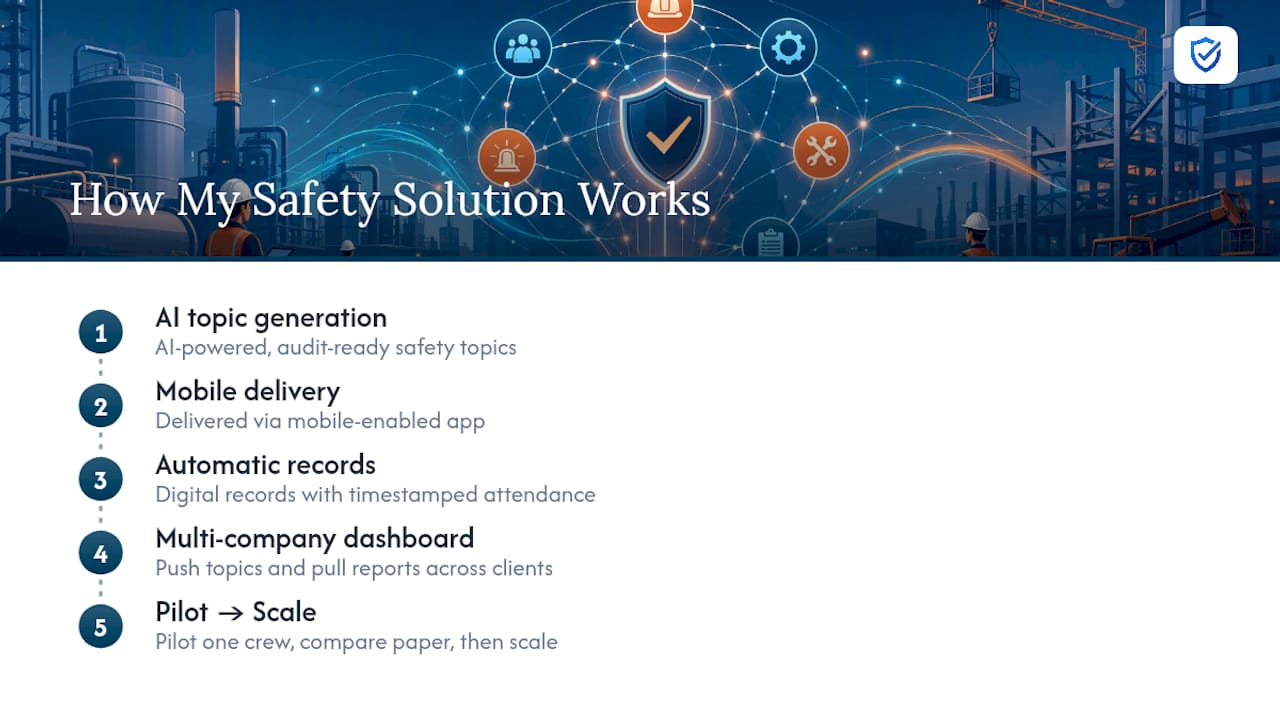
My Safety Solution is built specifically for the workflow described above, so you are not stitching together a messaging app, a quiz tool, and a spreadsheet to stay audit-ready. The platform generates AI-powered safety topics, delivers them through a mobile-enabled app, and automatically produces digital records with timestamped attendance.

If you manage safety across several client sites as a consultant, the multi-company dashboard lets you push topics and pull compliance reports without juggling separate logins for each account. If you run safety for a single construction or manufacturing operation, the same automation replaces the spreadsheet-and-paper patchwork that makes audits stressful in the first place.
Start with a pilot on one crew, then compare your attendance and quiz data against your paper process before scaling. Review the Starter, Growth, and Business plans to find the tier that matches your headcount, or read more about what My Safety Solution actually does before you commit to a rollout.
Resources for Going Deeper on Digital Toolbox Talks
For more on the mechanics behind digital toolbox talks, see how apps and AI eliminate paperwork and why documentation quality affects workers’ compensation claims. Internally, browse construction safety meeting topics or the toolbox talk glossary entry for background.
Sources
- Digital Toolbox Talks: Using Apps and AI to Eliminate Paperwork | WhyTrace Plus
- Improving Safety Compliance with Digital Toolbox Talks
- Why cybersecurity and safety tech must work together on jobsites | WCCTV
FAQ
What Counts as a Broadcast Safety Message?
A broadcast safety message is any short safety topic, reminder, or alert sent to field workers through a mobile app or push notification, usually paired with an attendance check-in. It typically runs 5 to 15 minutes and includes a brief comprehension check.
How Long Should a Digital Toolbox Talk Be?
Most effective talks run 5 to 15 minutes, short enough to fit before a shift without disrupting the schedule. Longer topics belong in formal training sessions rather than daily broadcasts.
Does Geolocation Matter for Attendance Records?
Geolocation is optional but strengthens your audit trail by confirming a worker checked in at the actual job site, not just at any location. Timestamped, location-tagged attendance is generally considered stronger evidence than a signed paper sheet.
How Much Does My Safety Solution Cost?
My Safety Solution offers the Starter plan at $99 per month, Growth at $199 per month, and Business at $299 per month, with an Enterprise tier priced on request. Plans scale by employee count and feature access.
What Security Controls Should a Safety Broadcast Platform Have?
At minimum, the platform should offer role-based access controls, encryption for stored and transmitted data, and multifactor authentication on admin accounts. Coordinating safety and IT teams on cybersecurity reduces the risk of a compromised broadcast system going unnoticed.