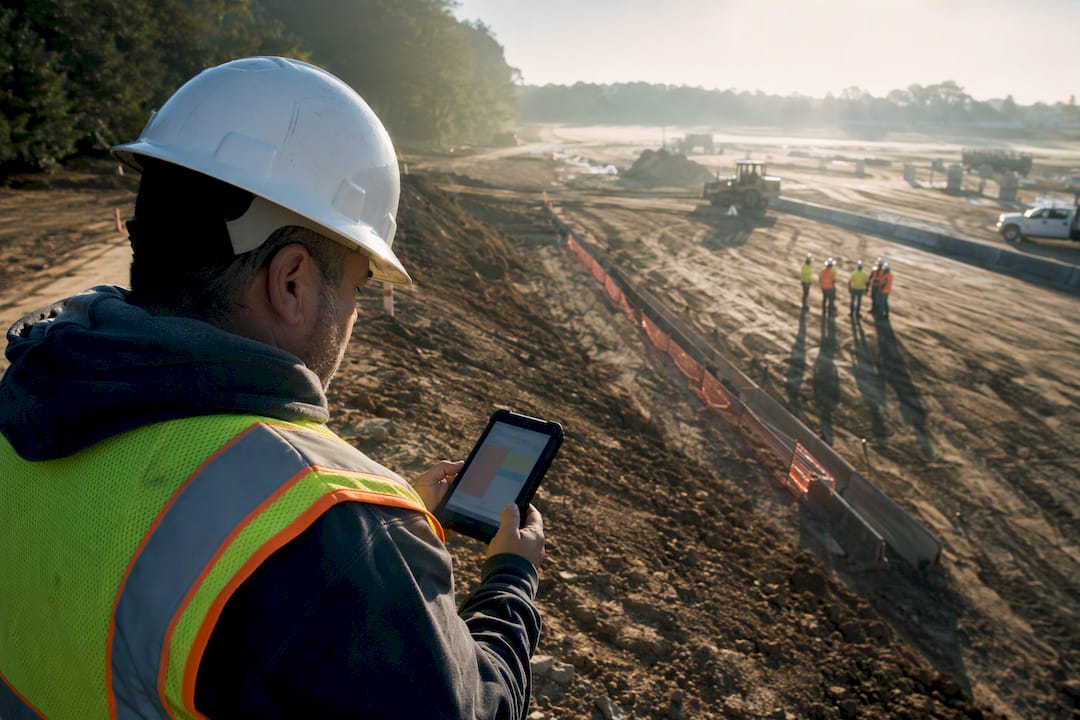
A contractor compliance dashboard is a digital system that captures tailgate and toolbox meeting attendance, stores signed and timestamped records, and turns scattered paperwork into audit-ready documentation. The outcome that matters: when an inspector, insurer, or general contractor asks for proof of your recent safety meetings, you produce it in minutes, not days. My Safety Solution builds this specifically for high-risk, deskless crews who can’t afford a compliance gap.
TL;DR:
- Employee signatures must be timestamped and tamper-proof, with optional geolocation or photo proof for verification at the site.
- AI-assisted, rotating safety topics improve crew engagement and help adapt content to recent hazards, rather than relying on static lists.
- Offline mode must reliably sync records after connectivity loss to prevent data loss and maintain audit readiness.
- Exportable PDF and CSV reports, role-based permissions, and record retention policies are critical for passing audits and managing compliance over time.
- A pilot program with one site over two to four weeks helps measure usability, signature completion rates, and time savings before full deployment.
Table of Contents
- What a Contractor Compliance Dashboard Does for Tailgate Meetings
- Must-Have Features and How to Evaluate a Compliance Dashboard
- Rolling Out a Compliance Dashboard Without Losing the Crew
- Turning Meeting Records Into Audit-Ready Evidence
- Why Field-First Dashboards Change How Compliance Actually Works
- How My Safety Solution Puts This Into Practice
- Sources
What a Contractor Compliance Dashboard Does for Tailgate Meetings
A contractor compliance dashboard replaces the clipboard. Instead of a supervisor scrawling attendee names on a sheet that gets rained on, folded into a truck door, and eventually lost, the crew signs in on a phone or tablet, and the record lands in a searchable, exportable system tied to that job site.
The core mechanics are consistent across serious platforms:
- Mobile attendance capture that works whether the crew is on a rooftop or in a trench with no signal.
- Electronic signatures with timestamps that prove who attended and when.
- A meeting topic library so supervisors aren’t reinventing tailgate content every Monday.
- Offline mode that syncs once connectivity returns, so a dead zone doesn’t mean a missing record.
- Photo and attachment support for documenting site conditions or hazards discussed during the talk.
- Per-site organization so a multi-crew contractor can pull records by location instead of digging through one long list.
These capabilities matter because documented meetings function as evidence, not just internal habit. Contractors and prequalification platforms treat meeting documentation as part of safety program scoring, and a missing record can quietly impact a bid.
Here’s a legal nuance most safety managers get wrong: federal OSHA does not explicitly mandate routine toolbox talks for private-sector employers. But at least 14 state-plan states have their own requirements, including California’s frequent toolbox schedule and Washington’s weekly crew meeting rule. That patchwork of state rules is exactly why relying on memory, or on a single office’s filing habits, creates risk that a dashboard is built to close.
Must-Have Features and How to Evaluate a Compliance Dashboard
Not every dashboard on the market is built for field conditions, and the differences show up fastest during an audit. Evaluate any tool against these criteria before you commit a crew’s workflow to it.
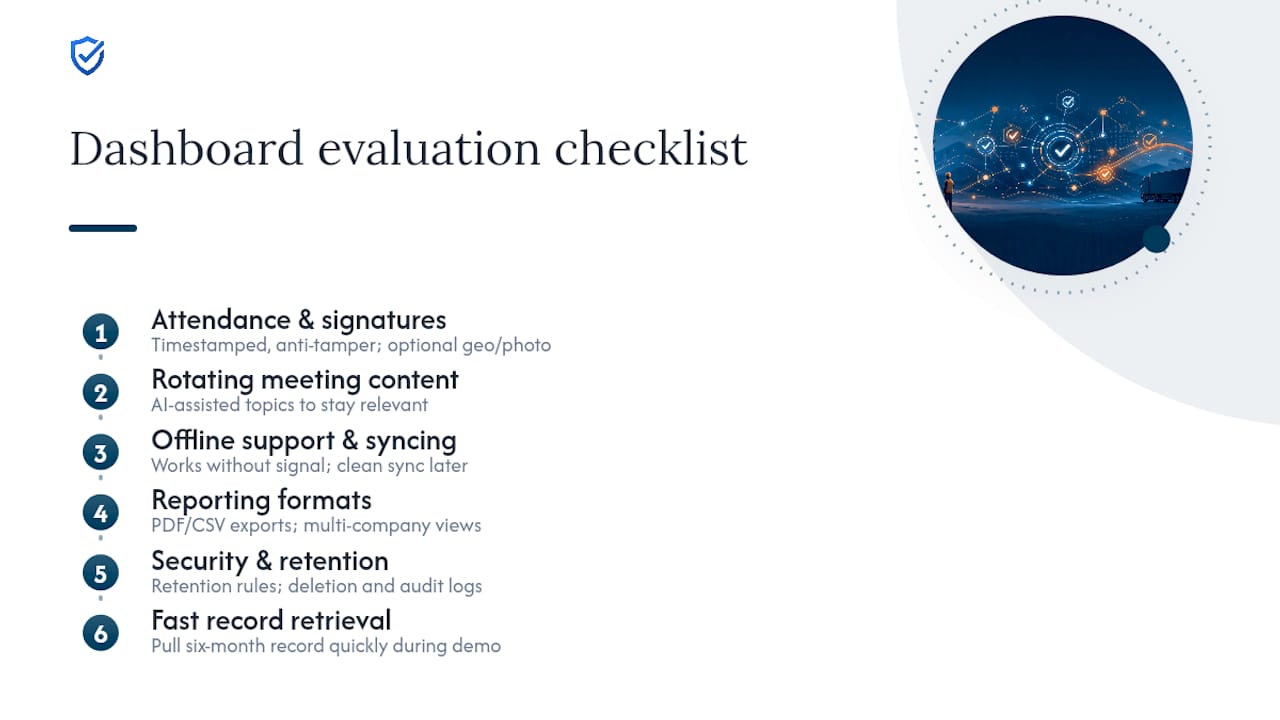
Attendance and signature capture. Look for timestamped signatures with anti-tampering protections, meaning once a record is signed, it can’t be quietly edited later. Optional geolocation or photo attachment adds a layer of proof that a meeting happened at the stated site, not just somewhere convenient.
Meeting content and rotation. Static annual topic lists breed disengagement fast. Supervisors with access to a rotating, AI-assisted topic library report stronger crew engagement than those cycling the same handful of talks every year, largely because content can shift to match a recent near-miss or a seasonal hazard instead of repeating generic material. AI-powered topic generation is one of the clearest differentiators between a basic sign-in app and a real compliance system.
Offline support and syncing. Confirm the app actually functions without signal and syncs cleanly once reconnected, rather than losing entries or duplicating them.
Reporting formats. You need PDF and CSV exports at minimum, plus multi-company dashboards if you manage several sites or subcontractor tiers, and role-based permissions that separate what a worker, supervisor, admin, and safety consultant can each see or edit.
Security and retention. Ask directly how long records are retained, who can delete an entry, and whether admin actions themselves are logged.
Pro Tip: During a demo, ask the vendor to pull up a six-month-old meeting record on a random date. If it takes more than a minute, that’s a preview of what your next audit will feel like.
Integrated platforms that unify reporting, inspections, training, and incident tracking into one dashboard make trends visible in real time instead of buried in separate systems, which is the difference between reactive paperwork and proactive risk management.
Rolling Out a Compliance Dashboard Without Losing the Crew
Feature lists don’t guarantee adoption. Supervisors who find a new tool slower than paper will quietly go back to paper, and that gap is where compliance programs actually fail. Follow a deliberate rollout instead of a company-wide flip of the switch.
- Pilot with one site or crew. Pick a supervisor who’s reasonably tech-comfortable, not necessarily your most senior one, and run the dashboard alongside paper for two to four weeks.
- Train on the actual five-minute workflow, not the full feature set. Supervisors need to know how to start a meeting, add topics, and collect signatures. Everything else can wait.
- Keep a fallback procedure documented for true dead zones or device failure, even if it’s rarely used.
- Frame it as protection, not surveillance. Crews cooperate faster when they understand the record protects them too, particularly if an incident ever gets investigated. Practitioners who lead with the safety and time-saving angle see noticeably smoother buy-in than those who frame it as monitoring.
- Set up the operational basics before day one: device policy (BYOD or company-issued), account provisioning by role, meeting schedule templates matched to your state’s cadence, and a designated audit folder structure.
Track three numbers during the pilot: the usage rate (are meetings actually logged, or reverting to paper), the rate of missing signatures, and whether meeting frequency matches your intended schedule. Dashboards succeed when pilots are measured by both usage rate and the actual reduction in time spent assembling audit packets, not by feature adoption alone.
Pro Tip: If your workforce spans multiple states, don’t build one meeting cadence and apply it everywhere. Check each state’s requirements and set your meeting schedules to match, so a California crew and a Texas crew each stay on their own compliant clock. Note that My Safety Solution sets one jurisdiction per company account, which drives its topic ranking; it does not keep a separate state schedule for each crew.
Turning Meeting Records Into Audit-Ready Evidence
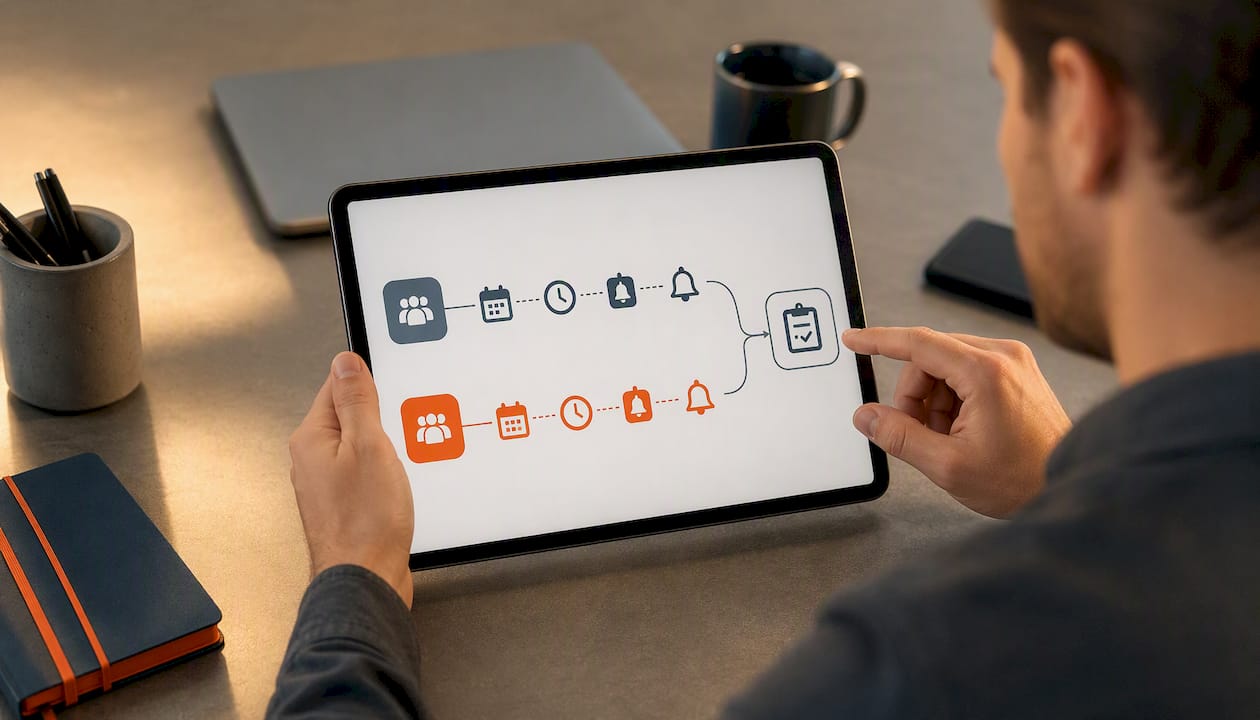
An auditor or prequalification reviewer isn’t looking for enthusiasm. They want specific, retrievable data points: date, time, topic covered, presenter name, attendee names and signatures, any attachments or photos, and a link to whatever corrective action followed. Mobile apps that attach signed meeting records directly to daily job reports eliminate the scramble to reconstruct a paper trail after the fact, which is usually where compliance teams lose the most hours before a review.
These outputs map directly onto external evidence requests:
| Evidence request | Dashboard output |
|---|---|
| ISNetworld or Avetta prequalification | Exportable meeting logs with signatures and topic history |
| VPP or COR audit evidence | Date-stamped records showing consistent meeting cadence |
| Internal safety committee review | Filtered reports by site, crew, or date range |
| Insurance or bid documentation | PDF packets ready to attach without reformatting |
Beyond audits, the real value shows up in continuous improvement. When a near-miss gets mentioned during a toolbox talk, that note shouldn’t disappear into a filing cabinet. Log it as a flagged item, assign a corrective action, and track whether it closes out. Retain records for as long as your state, insurer, or bidding requirements demand, and archive completed cycles by year and site so a five-year-old bid request doesn’t turn into a research project.
Why Field-First Dashboards Change How Compliance Actually Works
The resistance to digital tools rarely comes from the technology itself. It comes from supervisors who’ve been burned by systems designed in an office, not a jobsite, and who default back to paper the moment a screen feels slower than a clipboard. Tools built specifically for tailgate workflows, like My Safety Solution, earn adoption because the five-minute workflow actually takes five minutes. If you’re evaluating options, run a real pilot before you judge the category by a bad first impression of a different tool.
“General contractors need instant visibility into subcontractor safety performance. MySafetySolution delivers real-time compliance dashboards that track meeting frequency, attendance rates, and signature integrity across all trades.”
— Matthew Hoffman, President - MySafetySolution
How My Safety Solution Puts This Into Practice
Everything covered above, mobile attendance capture, AI-driven topic rotation, audit-ready exports, and role-based access, is exactly what My Safety Solution was built around. The platform pairs automated OSHA compliance tracking with a preloaded NLTAPA-aligned content library, so supervisors aren’t writing tailgate topics from scratch, and every signature carries a timestamp that holds up under review.
If you manage crews across multiple sites or subcontractor tiers, the multi-company dashboard and consultant push-topic features solve the exact fragmentation problem paper systems create. Construction teams can start with the construction-specific safety software, while manufacturing operations have a dedicated setup for multi-site reporting.
The most reliable way to evaluate any of this is a short pilot: pick one site, run it for two to four weeks, and compare the time your team spends assembling records now against what a signed, exportable digital log takes. Start a free trial of My Safety Solution to see the workflow on your own devices before you commit a crew to it.
Sources
- How to conduct a safety meeting: Contractor | Miter
- Safety in the palm of your hand: how real-time digital tools are transforming workplace safety | U.S. Compliance