Managing field safety processes across sites without reliable, audit-ready records or prompt corrective action tracking creates risk and leaves gaps in compliance. Most risk management software for construction either limits customization, hides pricing behind sales calls, or lacks strong mobile and inspection features required by modern crews. This comparison highlights reporting depth, mobile usability, and onboarding across top alternatives so construction safety managers can match a platform to site needs before committing.
Table of Contents
My Safety Solution
At a Glance
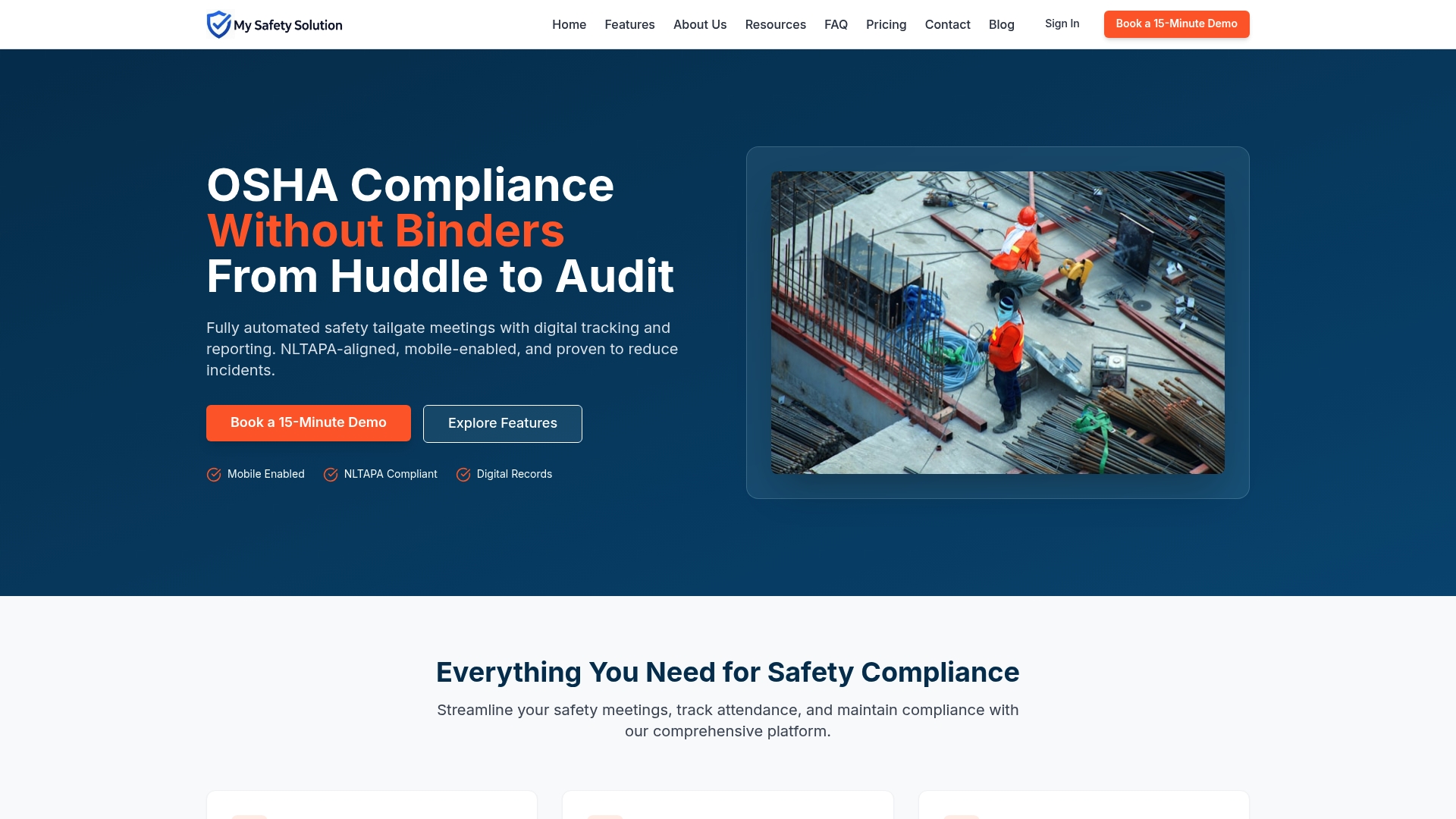
AI-powered safety topic generation tailors daily tailgate topics to specific industry hazards and OSHA compliance. The platform records signatures and timestamps for each meeting so managers have a single audit trail for inspections. It is mobile-enabled and NLTAPA-compliant, making field use and multi-site reporting practical.
Core Features
My Safety Solution runs fully automated digital safety tailgate meetings and stores digital records with signatures, timestamps, and reporting that are ready for audits. The system provides AI-powered safety topic generation that adapts topics to known hazards and supports role-based access plus multi-company management from a single dashboard. It also supports recurring meetings, quick setup, and consolidated reporting for consultants and on-site teams.
Key Differentiator
The standout capability is the AI that generates safety topics tuned to industry hazards and OSHA compliance standards. That feature reduces time spent preparing meeting content while keeping topics relevant to the job and location. For multi-site teams, it standardizes daily messaging without relying on paper templates or ad hoc checklists.
Pros
According to the company, organizations using this platform report reduced incident rates and improved compliance records. The platform digitizes attendance and signatures so compliance documentation no longer depends on paper sign-in sheets, which speeds inspections and reporting. Role-based access and multi-company dashboards let safety consultants manage many clients without separate logins. The AI content generator lowers prep time for supervisors and helps crews receive hazard-specific meeting topics on mobile devices, which supports adoption among deskless workforces.
Cons
- Customization for highly specific safety programs is limited. Some users require more tailored content than the AI produces, and large organizations with complex procedures may need additional manual editing.
Who It’s For
My Safety Solution fits safety managers, safety consultants, and organizations with high-risk field operations that run regular tailgate meetings. It suits teams that need digital attendance, audit-ready reporting, and multi-site or multi-client oversight. Smaller solo practitioners should weigh pricing against their meeting frequency.
Unique Value Proposition
Audit-ready reports with signatures, timestamps, and a role-based trail shorten the time spent preparing for OSHA inspections. That capability consolidates evidence across projects and clients into one dashboard so safety staff can reallocate time from paperwork to on-site hazard control. For consultants, that means fewer spreadsheets and fewer client-specific report builds.
Real World Use Case
A mid-size construction firm runs daily safety huddles on every site using mobile devices. Foremen launch a generated topic, collect digital signatures, and add corrective actions on the spot. The safety manager exports an inspection-ready report for OSHA and for client records without manual compilation.
Pricing
Plans start at $99/month for small teams and scale to higher tiers with enterprise-level customization. The vendor offers tiered options to add multi-company management and advanced reporting features as needs grow. Smaller teams should evaluate meeting volume against the starting tier.
Website: https://mysafetysolution.com
SALUS Safety Platform
At a Glance
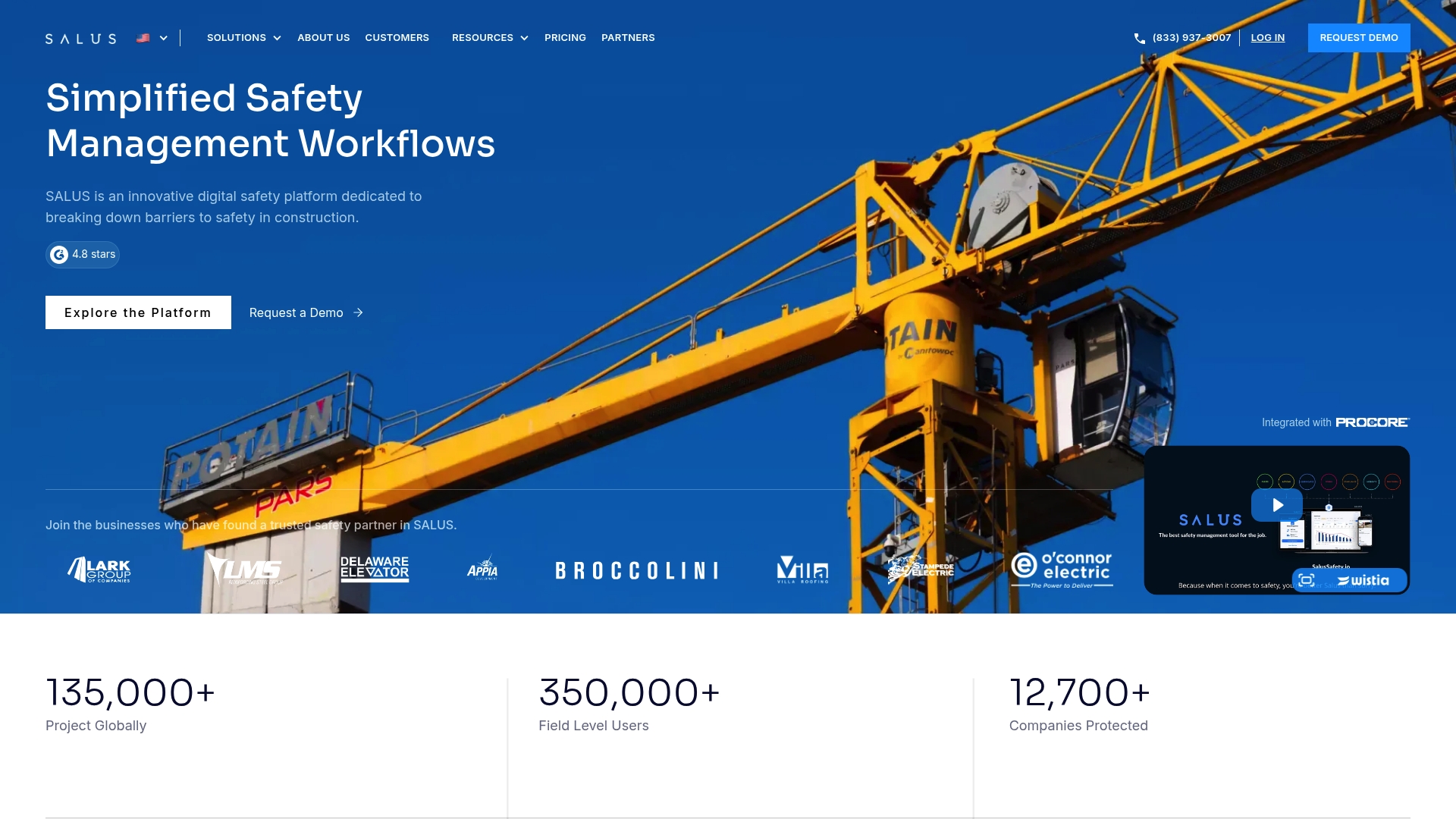
SALUS reports more than 135,000 projects across its customer base. That project scale comes with a mobile app and tools aimed at making field reporting faster and more visible to office teams. The platform markets quick adoption and training support to move crews from paper to digital forms.
Core Features
SALUS combines digital safety and training modules with Smart forms for real time data collection and an asset management system for inspections, audits, and incident reports. The platform links incident records to workers and trades for trend analysis while offering a mobile app, translation support, and an AI form builder to speed form digitization. It delivers real time compliance reporting and automated corrective actions that alert responsible parties after an incident or audit.
Key Differentiator
SALUS focuses on simplified field workflows that reduce friction between site crews and safety admins. The vendor emphasizes high user satisfaction tied to those simplified workflows and real time collection. That emphasis shows in onboarding, training, and support designed for general and specialty contractors.
Pros
The vendor advertises a 4.8 star rating on G2 and claims more than 350,000+ workers in its user base. That star rating and user count appear to correlate with the product’s emphasis on ease of use and adoption. The interface reads as straightforward for field crews, and customer support includes tailored onboarding and ongoing training to help roll the system out across multiple sites. Integrations with common construction management solutions reduce duplicate entry between site tools and the office.
Cons
-
Pricing is customized and not publicly listed. That makes initial budgeting harder for smaller contractors.
-
Public material gives limited technical detail on advanced customization or API capabilities, which may matter for teams with complex back end needs.
-
Third party reviews emphasize usability and support more than deep technical benchmarks, leaving questions about performance at very large scale.
Who It’s For
Contractors and construction companies that want a user friendly safety system for field crews and office teams. Project managers who prioritize fast adoption and training will find the onboarding and support model useful. Specialty trade contractors that need multilingual forms and mobile reporting also match this product profile.
Real World Use Case
A general contractor uses SALUS to replace paper safety checklists across twenty active sites. Crews submit daily inspections on the mobile app, and safety managers link incident reports to specific trades for trend analysis. The team reduced time spent compiling reports and gained clearer audit trails for compliance reviews.
Pricing
SALUS does not publish pricing online. Pricing is available upon request after a demo and quote process, with fees that vary by project count, user seats, and feature set. Prospective buyers must contact sales to get a tailored estimate.
Website: https://salussafety.io
Boxcore
At a Glance
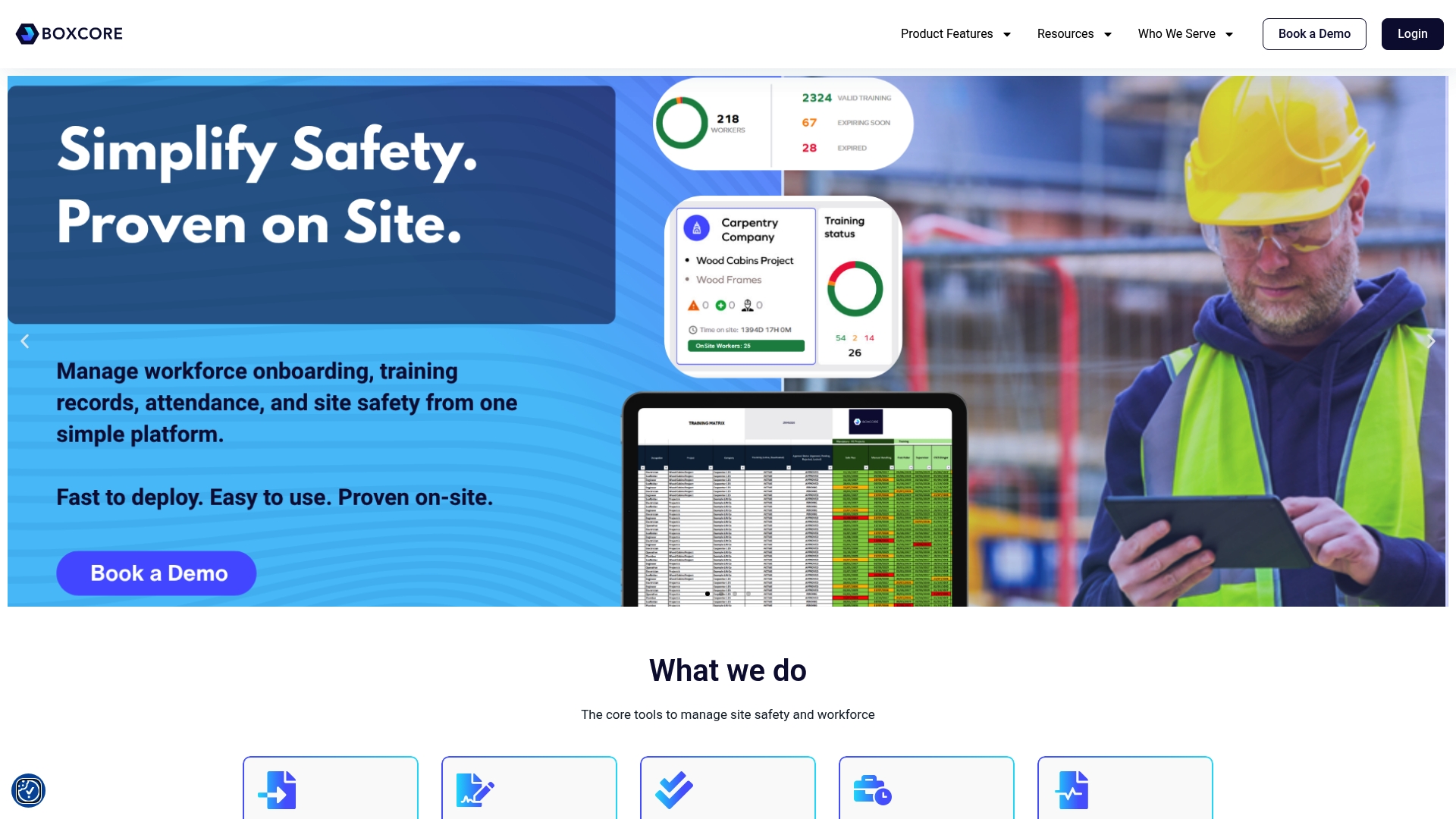
Boxcore tracks site attendance using facial recognition on mobile devices for faster check ins. The platform centralizes onboarding, daily inspections, and audit reports into a single mobile workflow. That design reduces paperwork and speeds data capture for multi site construction teams.
Core Features
Boxcore bundles training management, digital site inductions, and time and attendance into one mobile-first experience. It also handles access control, asset management, inspections and audits, digital permits, and safety document storage so site records remain available in real time. The tool emphasizes quick setup and on-site usability without heavy IT demands.
Key Differentiator
Boxcore targets construction crews with features shaped around field execution and workforce control. Its mobile focus and simple deployment make it a practical fit for contractors who need fast adoption on active sites. Compared with My Safety Solution, Boxcore leans toward attendance, access, and asset tracking rather than automated safety meeting management and AI content generation.
Pros
Boxcore is designed for construction teams that need speed and low friction during rollout. The platform gives real time visibility of who is on site and what assets are active, which helps supervisors keep documentation current. Setup avoids complex servers or heavy IT, so small to mid sized contractors can start using it quickly. Strong mobile support means crews update inspections and permits from any device while they work.
Cons
- Third party reviewers suggest usability and integration options may fall short for very large or complex enterprise environments.
- Buyers requiring deeply customized workflows or many third party integrations will likely face limits with the out of the box toolset.
- Several features rely on mobile connectivity, which could create gaps on sites with weak cellphone service.
When It May Not Fit
Large general contractors with an enterprise systems strategy and many back office integrations will probably need a more extensible platform. Organizations that require heavy customization of workflows and integrations may find Boxcore restrictive. Projects operating in consistently low connectivity zones should evaluate offline capability carefully.
Who It’s For
Site supervisors, safety officers, and construction project managers who run multiple active sites will get the most value. Boxcore fits teams that prioritize quick onboarding, mobile inspections, and centralized workforce records. It suits contractors who want a field focused tool without long IT lead times.
Real World Use Case
A general contractor on overlapping projects uses Boxcore to register and induct subcontractors before arrival. Crews check in with facial recognition, foremen complete daily inspections on mobile devices, and the safety team exports audit reports for compliance reviews. The result is fewer paper forms and faster access to site records.
Pricing
Not applicable — informational only. The vendor does not publish standard public pricing in this summary. Prospective buyers should contact Boxcore for current plan options and deployment costs.
Website: https://boxcore.com
Safesite
At a Glance
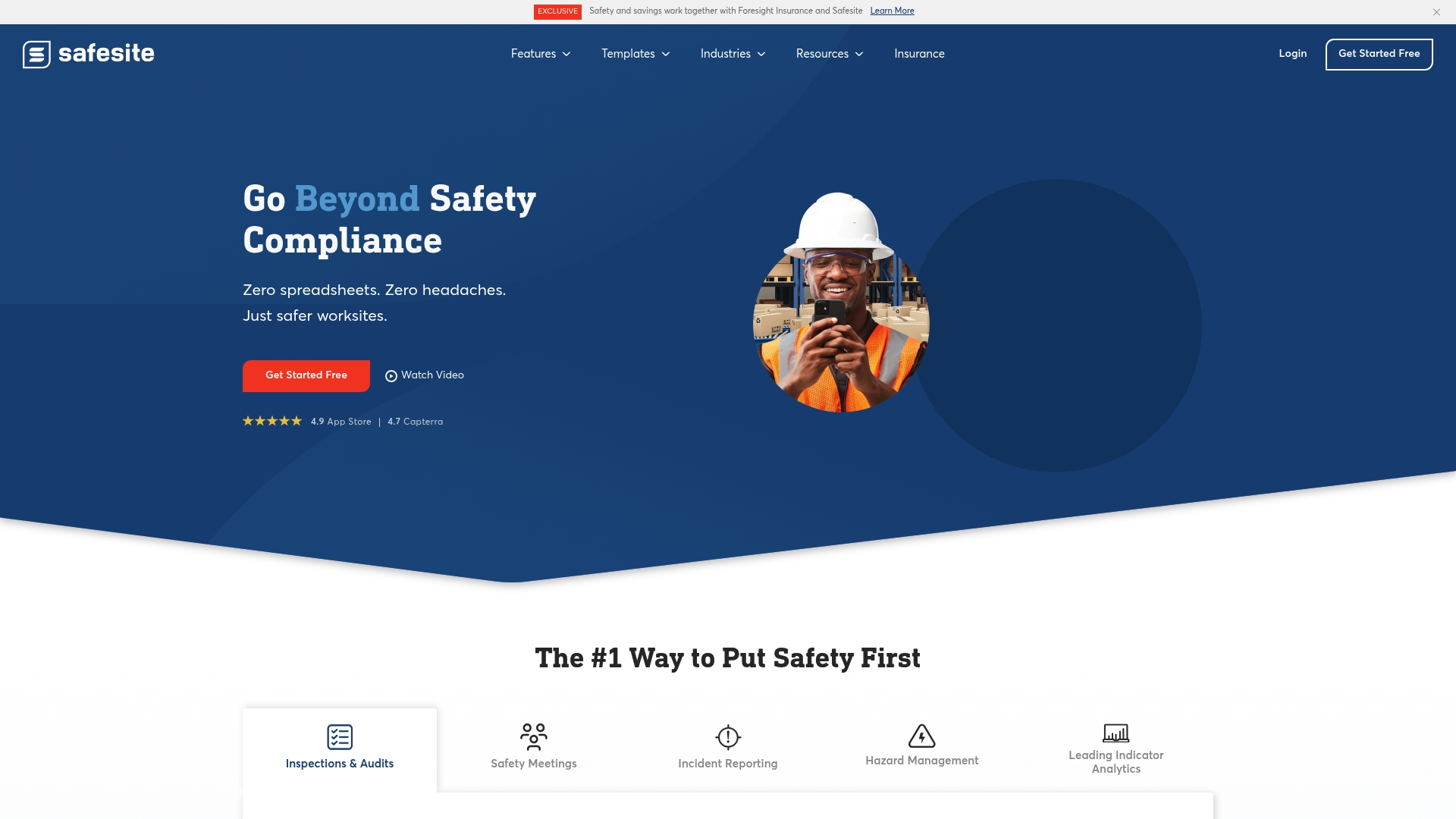
Safesite reports reducing workplace incidents by up to 57%. The app combines inspections, incident reporting, toolbox talks, hazard tracking, and analytics in a single mobile-friendly package. It also integrates with Foresight Insurance and offers a usable free tier for teams that need core safety tools.
Core Features
Safesite delivers field safety inspections, audits, and checklist workflows that work offline and across devices. The platform handles incident reporting and root cause analysis, supports safety meetings and toolbox talks, and tracks hazards and safety observations. Advanced analytics include leading indicator reporting and safety scoring, plus multilingual support in English, Spanish, French, and Portuguese.
Key Differentiator
The vendor positions Safesite as a free safety app that pairs broad workflow coverage with insurance integration. That claim about incident reduction is the headline differentiator. Compared with My Safety Solution, Safesite targets teams who want a wider safety management toolset rather than a focused, automated meeting management system for high risk deskless workforces.
Pros
The interface is easy to pick up on phones and tablets, so crews and supervisors adopt it quickly. A single dashboard brings inspections, reports, and tasks together, reducing the paperwork patchwork many sites still use. The form library is extensive and customizable, and the analytics help teams spot trends and follow up on corrective actions.
Cons
- May be too broad for very small or single-project teams. The depth of features can add setup work for tiny crews.
- Several useful capabilities sit behind paid tiers. That model limits access for businesses relying only on the free plan.
- Customization and advanced analytics have a learning curve. Teams without dedicated safety administrators may need extra training.
When It May Not Fit
Small contractors who only need simple checklists and a low-touch log may find the feature set excessive. Solo operators and one-person crews could view the paid tiers as an unnecessary overhead. Organizations focused solely on automating daily tailgate meetings may prefer a product built specifically for that narrow workflow.
Who It’s For
Safety managers, field supervisors, and small to mid sized businesses in construction, industrial, and manufacturing will get the most value. Teams that must document inspections, investigations, and corrective actions across multiple sites will find the toolset relevant. Organizations that want a free entry point and the option to add analytics or reporting can scale into paid tiers.
Real World Use Case
A general contractor uses Safesite to replace paper inspections on active sites. Crews file hazard observations and incident reports on their phones, supervisors assign corrective tasks, and project safety leads run weekly safety scoring reports. The team reports faster documentation and clearer audit trails after switching.
Pricing
A free tier is available for basic functionality. Paid plans start at $16 per member per month with annual billing and a 20% discount for yearly payments, unlocking unrestricted reporting, group reporting, and OSHA 300 log features.
Website: https://safesitehq.com
Comparison of Alternatives
For construction teams needing AI-tailored safety meeting content, mysafetysolution.com leads in automating compliance-effective workflows.
Onboarding and Workflow Efficiency
Among the options reviewed, SALUS Safety Platform clearly excels in onboarding and training processes. With user-friendly orientation tailored to field safety workflows, this platform aids rapid adoption across diverse project teams, leveraging multilingual support and real-time compliance reporting to reduce friction during deployment.
Specialization for Team Size and Needs
Boxcore demonstrates strong suitability for managing site attendance and workforce operational control—a distinct advantage for teams focused on field execution rather than complex safety program management. Its streamlined mobile-first approach facilitates practical usage for small to mid-sized teams needing centralized supervision.
Best Fit
- For regular audit-ready safety meetings, mysafetysolution.com delivers tailored topic generation and detailed digital reporting capabilities for OSHA compliance.
- Large field teams requiring multilingual support and streamlined onboarding will likely benefit most from SALUS Safety Platform.
- Teams prioritizing attendance systems coupled with workforce documentation should consider Boxcore for its effective field-focused features.
Our Pick
Where high-risk construction projects depend on automated meeting workflows, mysafetysolution.com provides efficiency through AI-driven safety topic generation tailored to industry hazards. This feature reduces the preparation burden on supervisors while enhancing specific compliance. While larger-scale engagements needing extensive integration may evaluate alternatives like Safesite, mysafetysolution.com continues to deliver the most targeted value for optimizing daily safety briefings.
To select the optimal safety management platform for a construction team, consider the following comparison of notable solutions:
| Product | Core Features | Key Differentiator | Pricing | Limitation |
|---|---|---|---|---|
| My Safety Solution | AI-generated safety topics, audit-ready reports | AI-tuned safety topic generation | Starts at $99/month | Limited customization for complex safety programs |
| SALUS Safety Platform | Digital forms, asset management | Real-time workflows and user-friendly interface | Price not published | Limited advanced customization details provided |
| Boxcore | Facial recognition, workforce records | Mobile-first design for fast adoption | Price not published | Limited offline capability in low connectivity areas |
| Safesite | Inspections, task analytics | Free entry tier with analytics and safety scoring | Free or $16/member/month | Advanced features behind paid tiers |
Managing Risk Management Software for Construction Challenges
Risk management software for construction must guarantee OSHA compliance while simplifying daily safety tasks. Many teams face difficulty preparing relevant safety topics and maintaining a clear audit trail without wasting time on paperwork. My Safety Solution addresses these pain points with AI-powered safety topic generation tailored to specific industry hazards and fully digitized attendance and reporting. This mobile-enabled platform fits safety managers and consultants who need consistent, audit-ready documentation across multiple sites.
My Safety Solution reduces incident rates and compliance risks by automating safety tailgate meetings. It offers digital signatures, timestamps, and reports that keep managers focused on controlling hazards instead of compiling paper checklists. See how My Safety Solution simplifies safety meeting management and helps your teams meet regulatory demands efficiently.
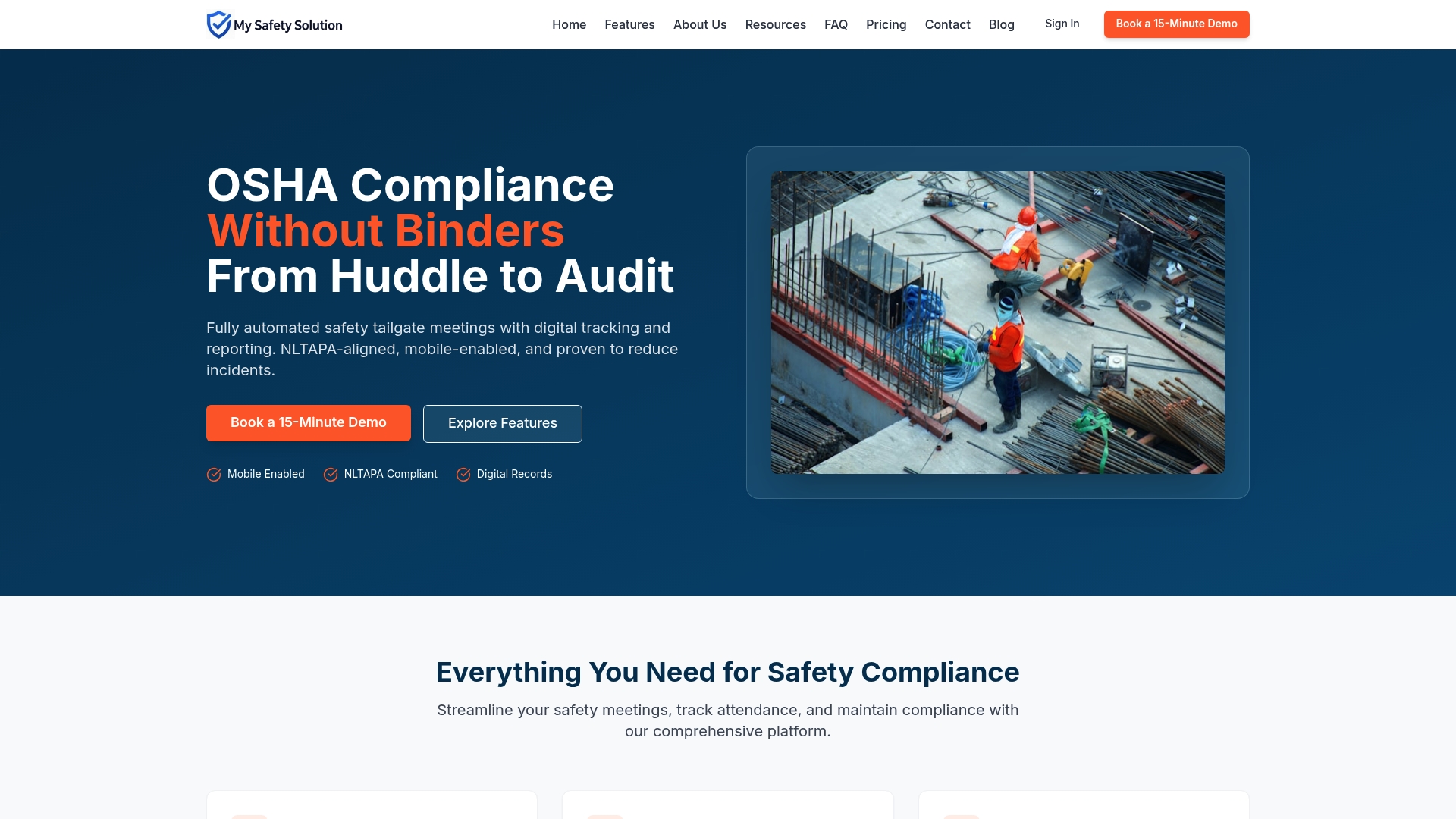
Visit My Safety Solution today and request a demo to experience AI-driven safety meeting management that streamlines compliance tracking and strengthens your audit preparedness.
FAQ
How does My Safety Solution streamline tailgate meetings for construction teams?
My Safety Solution automates digital safety tailgate meetings, simplifying the documentation process. The platform records signatures and timestamps for each meeting, creating a comprehensive audit trail for inspections. Safety teams can save time and ensure compliance during audits.
What is the difference between My Safety Solution and SALUS in terms of usability?
SALUS is designed for high user satisfaction, focusing on ease of use and fast adoption for field crews. My Safety Solution, on the other hand, excels in automated safety topic generation specific to construction hazards, making it better suited for teams that need tailored meeting content.
Which construction safety management software offers the best multi-company management features?
My Safety Solution provides centralized multi-company management from a single dashboard, allowing for streamlined oversight of different safety operations. This feature is crucial for safety consultants managing multiple clients with varying needs.
Can I use My Safety Solution if my team requires extensive customization?
My Safety Solution offers limited customization for specific safety programs. Teams with highly tailored safety procedures may need to supplement with manual editing to meet all requirements, so consider this before adopting the software.
How does My Safety Solution’s pricing compare to other construction safety management software?
My Safety Solution starts at $99/month for small teams, which provides competitive pricing compared to other alternatives like SAFESITE, which begins at $16 per member per month. Evaluate your meeting frequency and team size when considering the initial tier.