
Managing safety programs across worksites with manual processes and limited automation creates risk and adds administrative overhead for safety managers and field supervisors. Many legacy tools rely on paper checklists, offer poor integration with field devices, or require manual topic updates for compliance. This comparison explains automation, compliance tracking, mobile access, and reporting for six alternatives so safety managers can select one that centralizes oversight without patchwork systems.
Table of Contents
- My Safety Solution
- Safety Meeting App
- modONE
- SafetyClerk
- Field1st
- ProWork
- Comparison of Alternatives
My Safety Solution
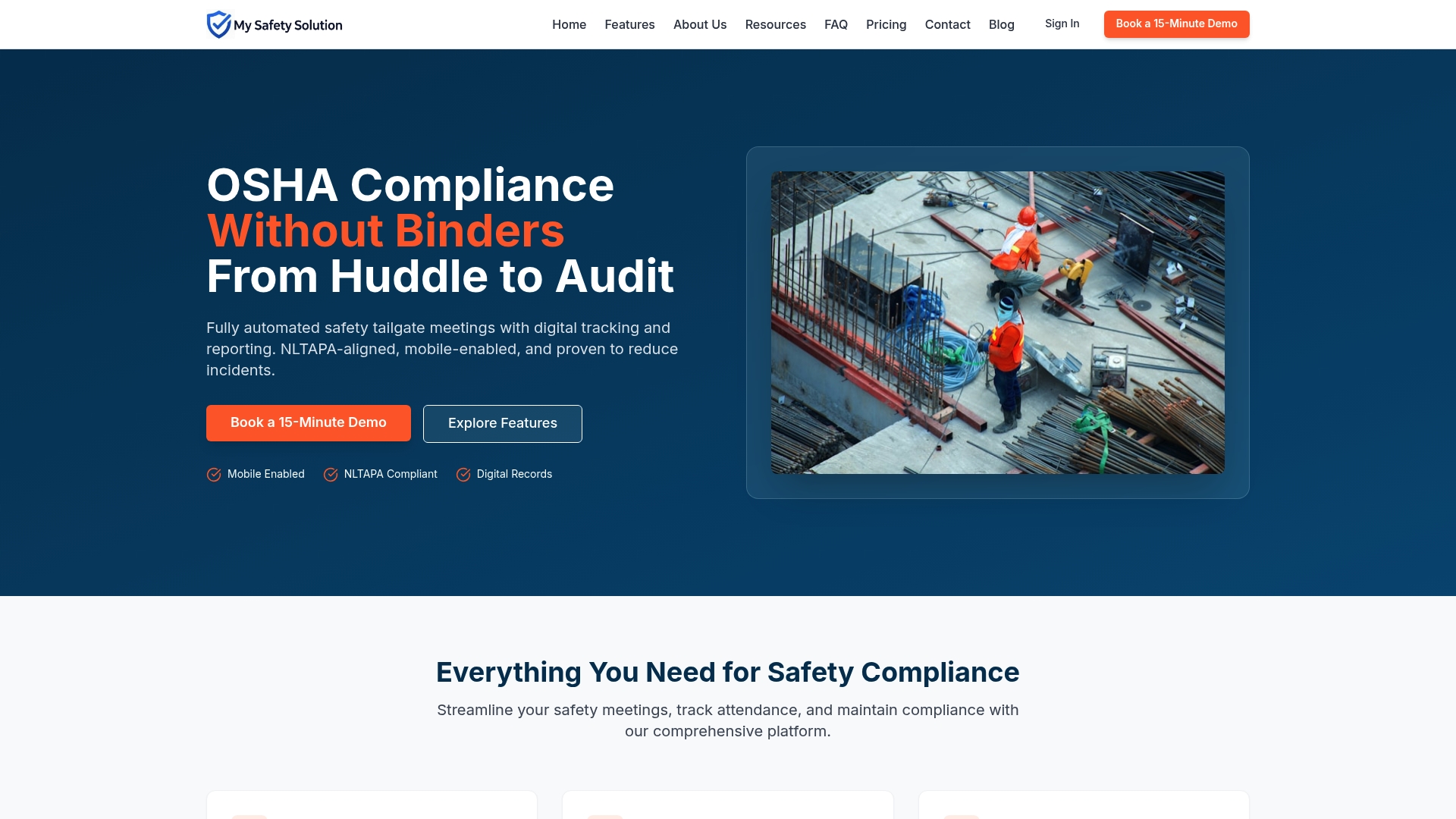
At a Glance
My Safety Solution starts at $99/month for the Starter plan and includes AI features and multi company management. The platform captures attendance with signatures and timestamps and generates detailed compliance reports. The vendor reports companies using the platform have reduced incident rates and improved compliance records.
Core Features
My Safety Solution runs fully automated tailgate meetings with digital tracking, reporting, and recurring training schedules that send automatic reminders. It captures digital attendance with signatures and timestamps, generates compliance ready reports, and let’s safety teams push topics directly to client companies. The topic library aligns with NLTAPA standards and supports role based access, AI content generation, and remote scheduling for field crews.
Key Differentiator
AI powered safety content generation tailors meeting topics to specific industry hazards and regulatory frameworks. That capability reduces time spent writing meeting plans and keeps topics aligned with NLTAPA and OSHA guidance. Safety managers can push tailored topics to multiple client sites without manual document edits.
Pros
Automation reduces administrative time for recurring tailgate meetings and cuts the paperwork that burdens field teams. Digital attendance with signatures and timestamps produces a searchable audit trail, which helps with OSHA inspections and internal audits. Multi company management lets consultants and corporate safety teams run programs across clients and locations. AI generated topics reduce prep time and keep meeting content focused on site hazards.
Cons
- Requires internet access and compatible devices for full functionality, which limits use at remote sites with no connectivity.
Who It’s For
Safety managers and consultants running programs across multiple sites will find this useful. Organizations in construction, manufacturing, warehousing, and public works that need digital OSHA documentation benefit most. Field supervisors and deskless workers use the mobile interface to join meetings, sign attendance, and receive assigned topics.
Unique Value Proposition
Mobile enabled, NLTAPA aligned meeting records with AI generated topics let safety teams replace paper checklists and centralize records across projects. That approach reduces time spent on preparation and on audit responses while giving managers a single source for attendance and reports. That claim is vendor reported.
Real World Use Case
A construction safety manager runs daily tailgate meetings from a phone. They select AI suggested topics for the site’s current hazards and capture attendance with digital signatures. Reports generate for OSHA audits and topics push to multiple project sites without extra document work.
Pricing
Starter plan begins at $99/month. Higher tiers provide multi company management and the AI features described. Enterprise pricing and per seat details are available on request and not listed publicly.
Website: https://mysafetysolution.com
Safety Meeting App
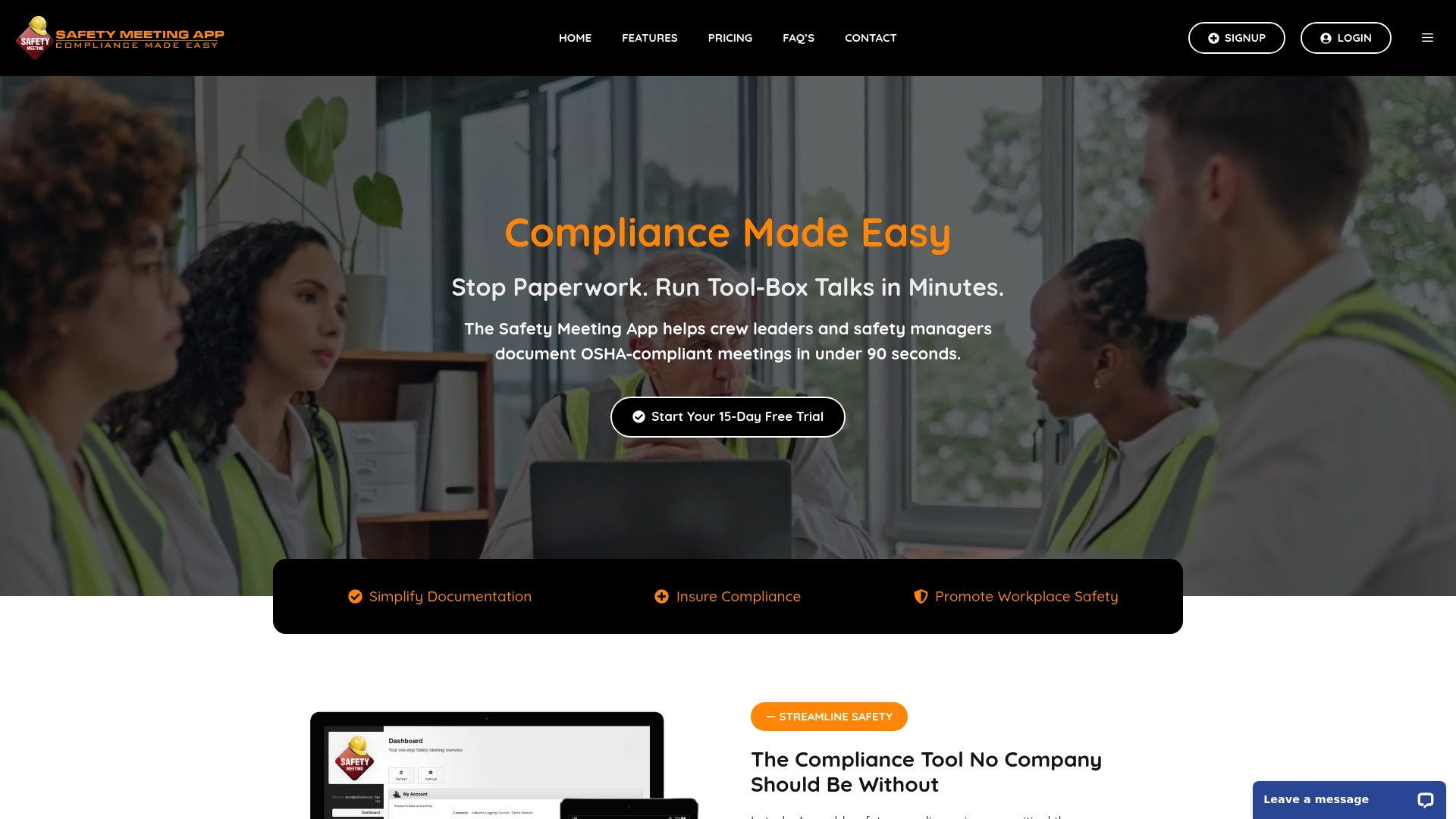
At a Glance
Safety Meeting App claims it can document OSHA compliant meetings in under 90 seconds. The vendor positions the product for field crews and foremen who need quick documentation using mobile devices or a web portal. Records, photos, and attendance logs are stored in the cloud and available for export for audits.
Core Features
The app captures attendees, incidents, photos, and notes from the job site while logging signatures and timestamps for audit trails. The vendor advertises more than 1,500 safety meeting topics tailored to trades, and the system offers customizable checklists and bilingual topics in English and Spanish. Reports and checklists can be printed or downloaded from the web portal for OSHA inspections.
Key Differentiator
That timing claim gives the product a clear focus on rapid documentation used during short toolbox talks. The combination of a large topic library and a mobile first interface makes it practical for crews that must document meetings between tasks. The product concentrates on fast, field oriented record keeping rather than deep analytics or extensive integrations.
Pros
The app reduces paperwork by letting crews log meetings and incidents on a phone or tablet, which saves supervisors administrative time. Cloud storage keeps records accessible offsite and simplifies export for inspections. Trade specific topics and customizable checklists make daily talks relevant to construction, HVAC, landscaping, and mechanical crews, and company branding options improve professionalism for client audits.
Cons
- Limited third party feedback: public user reviews are not widely available, so long term user experience is hard to verify.
- Integration gaps: the product does not list third party integrations or an API publicly, which may complicate workflow automation.
- Analytics are thin: advanced reporting or analytics features are not explicitly documented in vendor materials.
When It May Not Fit
Organizations that require deep integrations with an enterprise safety stack or single sign on should look elsewhere. Teams that depend on sophisticated analytics or dashboards will find reporting limited. Buyers seeking abundant public user reviews and community feedback may prefer vendors with a larger visible review footprint.
Who It’s For
Field safety managers, foremen, and small to mid sized contractors who need fast, compliant documentation will find the app relevant. The product suits crews in construction, landscaping, HVAC, mechanical, and transportation that prioritize quick toolbox talks and clear incident evidence.
Real World Use Case
A mid sized construction firm runs weekly toolbox talks on each jobsite using the app to log attendance, capture photos of hazards, and record corrective actions. Supervisors export timestamped reports for OSHA inspections and store incident photos as evidence of corrective work. The practice reduces paper forms and centralizes records for the safety office.
Pricing
Plans start at $199 per year for a single user, and multi user plans are available for larger crews. The subscription includes a 15-day free trial so teams can test mobile meeting creation and reporting before committing.
Website: https://safetymeetingapp.com
modONE
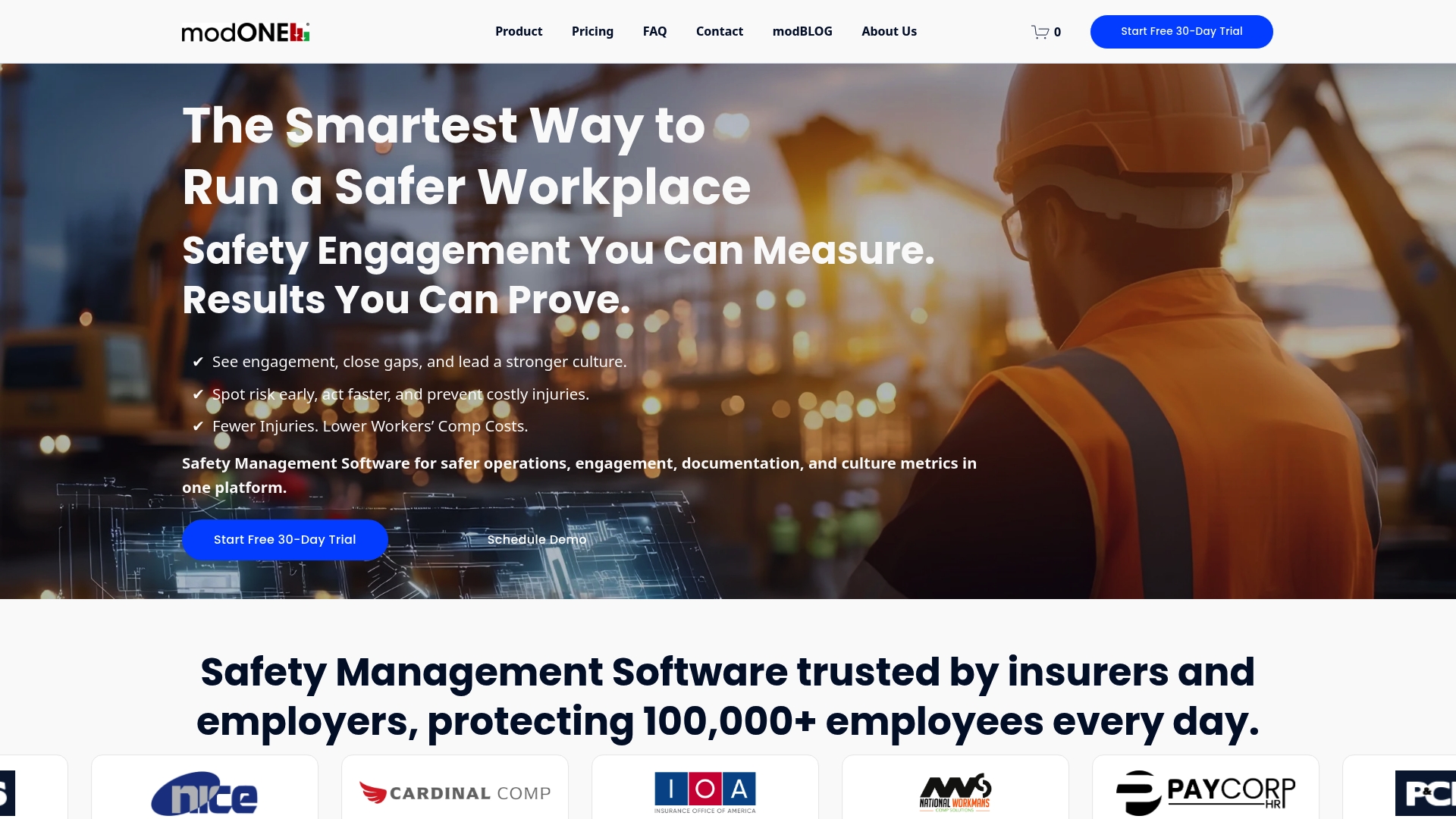
At a Glance
modONE reports most teams spend 15–30 minutes weekly on safety content delivery and sign offs. The platform delivers verified, OSHA ready records without requiring any app downloads. That appless delivery uses SMS, email, and QR codes to reach frontline workers quickly.
Core Features
modONE sends safety content by SMS and email and schedules material automatically with AI, so messages arrive when crews are most likely to read them. The system tracks real-time engagement and captures digital sign offs and signatures for audit trails. Pro plans add hazard reporting and audit checklists, and the service supports multilingual content delivery.
Key Differentiator
The single largest distinction is that modONE requires no app downloads and still produces OSHA ready documentation. That design keeps participation barriers low for frontline workers and stores verified records for compliance audits.
Pros
modONE reaches workers on devices they already use, which increases reach and reduces the need for IT rollouts. According to the company, modONE has reduced workplace injuries and insurance costs for customers. The platform also reduces administrative work through automated scheduling and offers easy to read engagement reports for safety managers.
Cons
-
Security concerns around modded content and file safety have appeared in third party reviews. Users report worry about malware risks and unclear provenance for some downloadable material.
-
Some users express polarized opinions about the legitimacy of mod content, which can hurt trust among crews and safety leads.
-
Limited published details on integrations may complicate adoption for teams that require tight links to HR, rostering, or enterprise safety systems.
When It May Not Fit
modONE is not ideal for organizations that require deep integrations with existing HR or EHS systems. It may also be a poor choice for buyers that demand an audited supply chain for all downloadable content. Companies that need native mobile apps with device management will want a different solution.
Who It’s For
The product targets small to mid sized businesses that need an appless safety engagement tool for frontline teams. Construction, manufacturing, and logistics operations with high turnover or multilingual crews will find the SMS and email approach useful. Safety managers who want fast documentation without device provisioning will get the most value.
Real World Use Case
The vendor reports a manufacturing firm achieved 100% participation and an 80% reduction in injuries after adopting modONE. The team used daily SMS messages and QR code sign offs to capture attendance and training completion. That workflow simplified record keeping and shortened follow up times for corrective actions.
Pricing
Pricing starts at $99 per month, which the vendor cites as about $0.99 per employee for small teams. Tiered plans include Launch, Essentials, Pro, and Enterprise with feature increases and custom pricing based on team size.
Website: https://getmodone.com
SafetyClerk
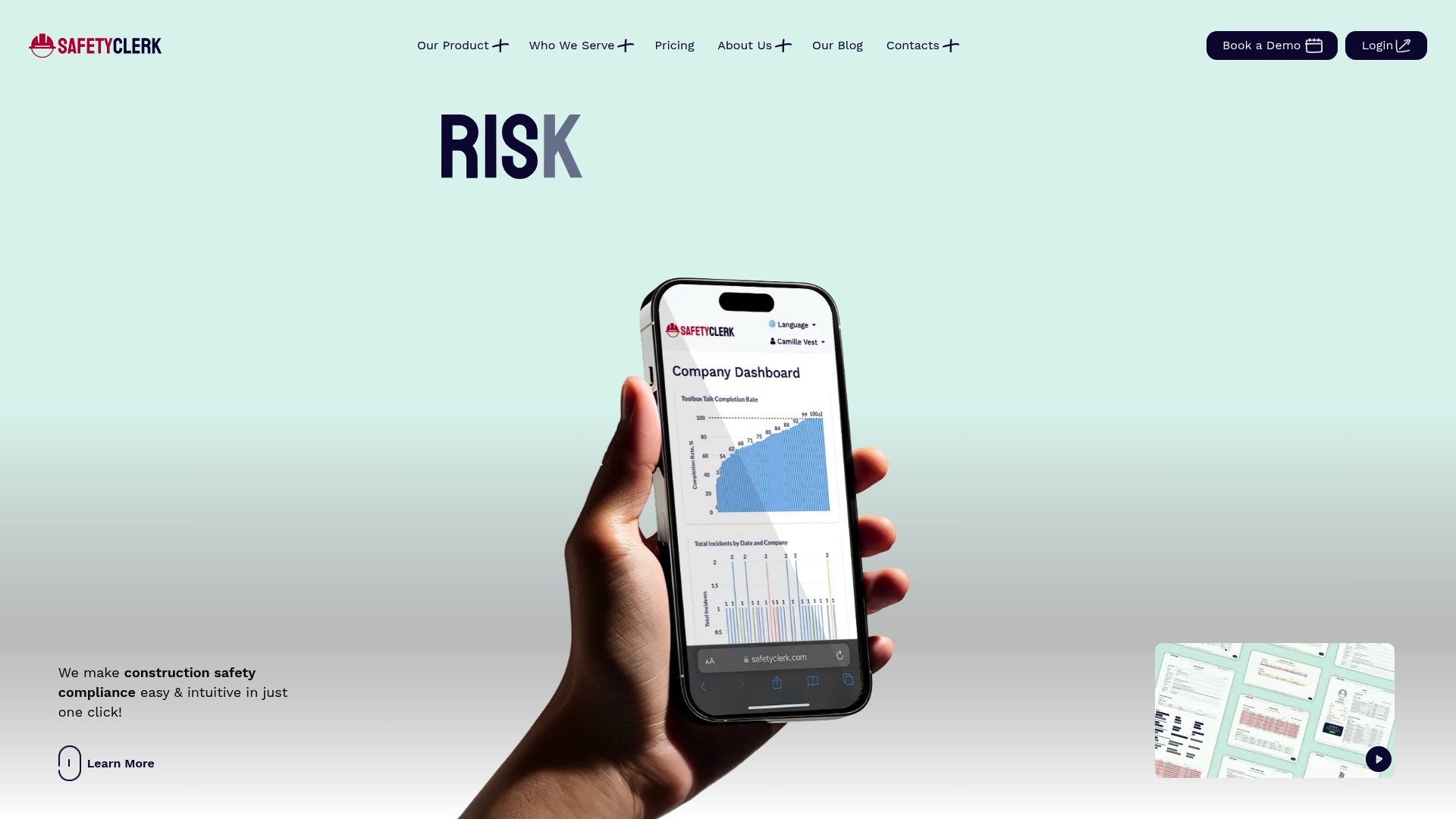
At a Glance
Built in New York City and expanded nationwide, SafetyClerk uses a pricing configurator instead of fixed public rates. The platform runs on personal devices to manage compliance, access control, and worker sign offs at the job site. Its focus on construction safety for complex urban projects gives it a narrower product fit than general purpose safety apps.
Core Features
SafetyClerk centralizes construction safety compliance management, worker management with digital sign off, and equipment and insurance records into one dashboard. It supports access control and turnstiles, time tracking, and risk management tools, and includes a Procore integration for project data flow. The product also offers a tailored pricing configurator so plans can match project scope and site complexity.
Key Differentiator
The main difference is a construction first approach built around city job sites and compliance demands. That focus shows in features like access control and equipment tracking aligned to site logistics. The product emphasizes operational visibility for projects with multiple subcontractors and constrained urban access. The pricing configurator lets teams map features to project scale rather than choose one fixed plan.
Pros
Testimonials praise a user friendly interface and mobile access that reduce paperwork on site. Combining compliance records, worker sign offs, and insurance files in one place cuts back on duplicate documents and lost forms. The New York City roots and construction experience of the team support practical workflows for urban projects and complicated site logistics.
Cons
- Third party review insights are limited, leaving independent satisfaction measures sparse.
- Public comparison scores or review ratings are not available, which makes objective vetting harder.
- Pricing is tailored and not publicly fixed, so you must contact sales to get firm numbers.
When It May Not Fit
If you manage small sites with standard safety checklists and predictable budgets, the tailored pricing model may add friction. Organizations that need public pricing for procurement will find the configurator adds a step to buying. Also, third party review data is limited, so large buyers seeking peer benchmarks may prefer vendors with visible ratings.
Notable Integrations
Integrates with Procore to sync project records and reduce duplicate entry between safety and project management systems.
Who It’s For
Construction managers and site supervisors running multiple subcontractor projects will get the most value. Safety officers who need on the go worker sign offs, access control, and equipment records will find the workflows relevant. Smaller contractors that require fixed public pricing may not prefer this model.
Real World Use Case
A New York City contractor digitized daily safety logs, worker sign offs, and training records with SafetyClerk to reduce paperwork. They used turnstile integrations to control access and match attendance to training credentials. Project managers reported faster document retrieval during inspections and clearer audit trails.
Pricing
Pricing is not published. SafetyClerk uses tailored plans configured to project size and feature mix. You must contact sales to get a quote.
Website: https://safetyclerk.com
Field1st
At a Glance
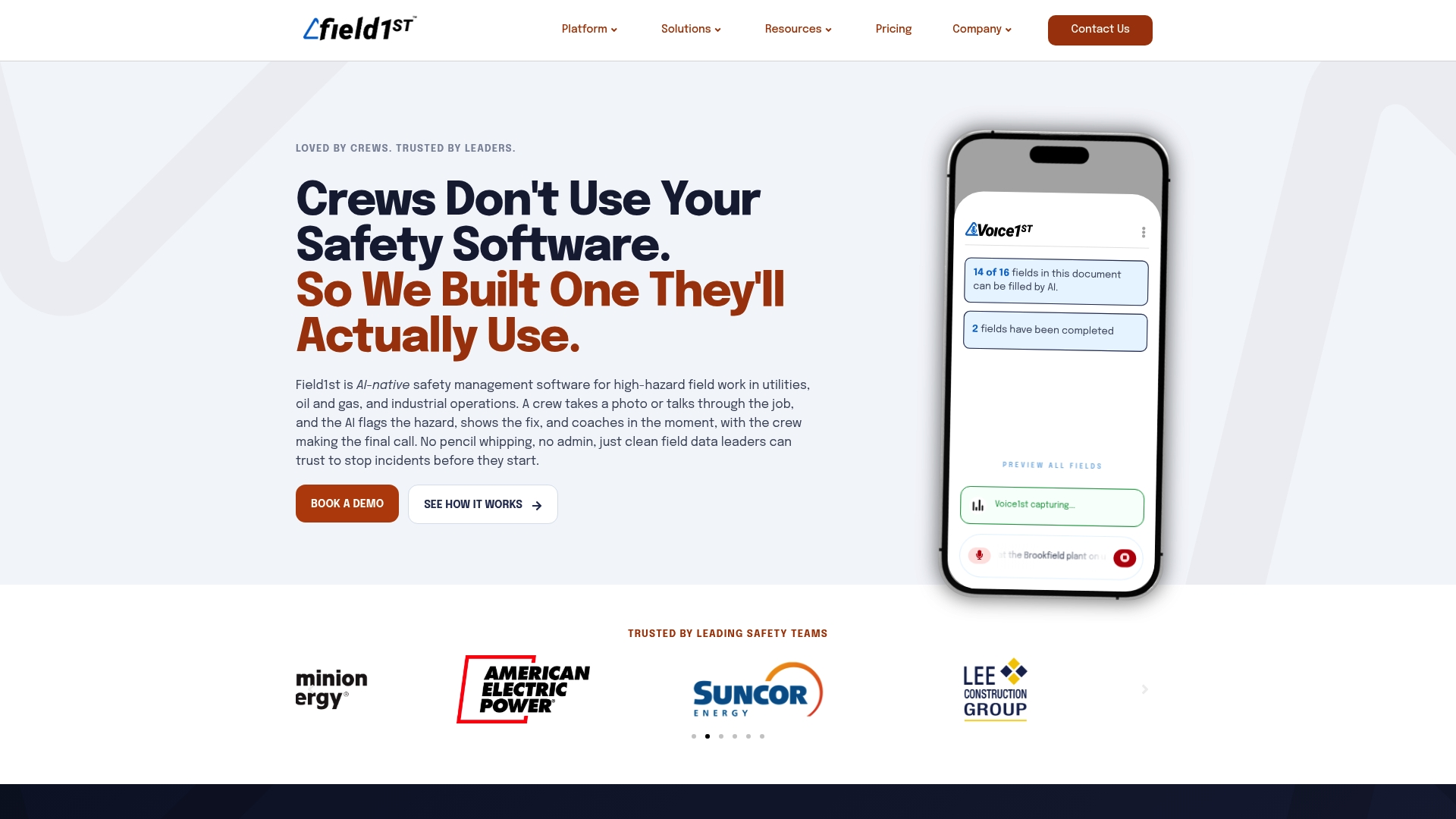
Field1st captures voice and photos in the field and automatically structures and verifies that data for hazard detection. The platform uses AI to flag hazards from images and pairs those signals with OSHA aligned guidance. It targets frontline crews in utilities, oil and gas, and industrial environments where fast, local recognition matters.
Core Features
Field1st uses voice driven forms and pre task plans to let crews record observations hands free on a mobile device. The system applies AI hazard recognition to photos and links those findings to OSHA aligned guidance via an AI Safety Agent. It also offers a configurable form builder, real time dashboards, offline mobile capability, and APIs for enterprise system connections.
Key Differentiator
Field1st was built specifically for high hazard field operations with integrated AI hazard detection and a voice first data capture flow. That design narrows its focus to frontline crews and field supervisors rather than to back office only workflows.
Pros
Field1st emphasizes user adoption through a mobile, voice first interface that matches how crews work on site. The AI features help surface hazards early and improve the structure and trustworthiness of captured data. Integrations with GIS, BI, and identity tools let safety teams feed validated field observations into enterprise systems and analytics platforms. Quick self service configuration reduces setup time for standard workflows.
Cons
-
No substantive third party user reviews were found, so independent user experience data is unavailable.
-
Complex or highly customized workflows may require technical setup because the platform relies on configurability and external integrations.
-
The public feature list does not specify extensive exports or advanced reporting beyond dashboard trend visibility.
When It May Not Fit
Field1st is not a strong fit for organizations that need heavy custom reporting or a wide library of pre built enterprise reports. It may require more integration work for teams expecting plug and play connections to bespoke back end systems. Large programs that need a single tool for both heavy office workflows and distributed deskless crews could find the product narrower than an enterprise wide safety suite.
Notable Integrations
Field1st connects with geographic information systems and BI tools. Integrations include Esri ArcGIS, VelocityEHS, Power BI, Tableau, Looker, and identity providers such as Okta and SAML.
Who It’s For
Safety managers and field operations supervisors in utilities, oil and gas, construction, and industrial sites who prioritize frontline adoption will find Field1st relevant. Teams that need offline mobile capture, photo based hazard detection, and API based enterprise feeds will benefit most.
Real World Use Case
At a utility substation a crew uses voice driven checklists and photos to record a live hazard before work begins. The AI flags the hazard and attaches OSHA aligned guidance to the record so safety leaders can triage the event. Trend data flows into Power BI for program level follow up.
Pricing
Pricing is not specified on the public site and appears to be custom based on deployment scale and selected features. Prospective buyers should contact Field1st for a proposal tailored to their device counts and integration needs.
Website: https://field1st.com
ProWork
At a Glance
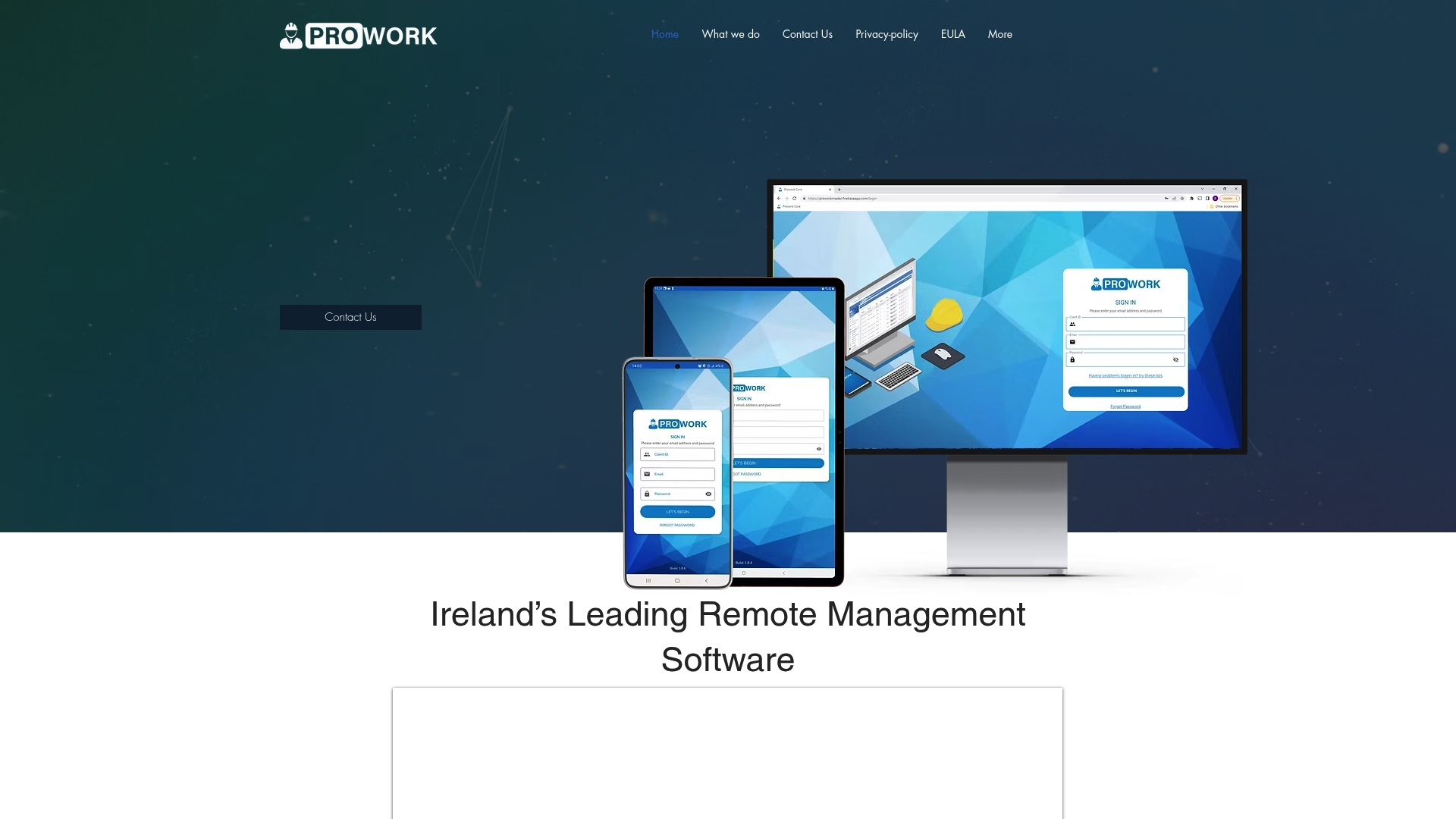
The Traffic Management Plan Generator creates site specific plans with sketches and geo tagging. ProWork also ships with over 100 toolbox talks and customizable Safe Systems of Work Plan templates. The product targets civil engineering and traffic management teams working remotely across multiple Irish sites.
Core Features
ProWork centralizes incident and accident reporting with follow up workflows and a customizable Safe Systems of Work Plan library. The platform includes asset management, user management with workforce qualification tracking, and more than 100 toolbox talks for site inductions and training. Site specific documentation updates and real time planning tools support traffic management plans that include sketches and geo tagging.
Key Differentiator
ProWork focuses on remote construction site management with integrated traffic and safety planning tools. That specialization makes it stronger for teams that must produce and store traffic management plans, sketches, and geo located site records rather than for organizations seeking broad, automated tailgate meeting tracking across many jurisdictions.
Pros
ProWork delivers a tightly scoped toolset for construction and infrastructure teams, combining incident reporting, asset tracking, and workforce qualification management in one place. The Traffic Management Plan Generator reduces manual sketching by producing site specific plans that include geo tagging and embedded documentation. The library of toolbox talks and custom SSWP templates helps field supervisors standardize site inductions and inspection checklists.
Cons
-
No independent third party reviews are publicly available. That absence makes independent validation of real world performance difficult.
-
Pricing and integrations pages return errors on the vendor site. Publicly available cost and connector details are limited.
-
The product may lack deep integrations required by larger enterprises with complex ERP or payroll systems.
When It May Not Fit
Organizations that require transparent, self serve pricing will find ProWork’s public information lacking. Teams that depend on a wide integration ecosystem may face extra implementation work. Companies needing broad, multi country compliance workflows might prefer a system with more published customer references and third party validation.
Who It’s For
Construction, civil engineering, and infrastructure project managers who run multiple sites remotely will get the most from ProWork. Safety officers and site supervisors responsible for traffic management and site inductions will find the traffic plan and toolbox talk library useful. The product is aimed at teams that value in field planning and geo located documentation.
Real World Use Case
A civil engineering firm uses ProWork to generate traffic management plans for roadworks, attach geo tagged sketches to site records, and push toolbox talks to new crews. Site supervisors log incidents, assign follow up actions, and track workforce qualifications across several projects from a single console. That workflow reduces paperwork at the trailer and centralizes site evidence for audits.
Pricing
Public pricing is not listed. The vendor describes pricing as likely custom or enterprise based, so expect a quote driven model based on project scale and required modules.
Website: https://prowork.ie
Comparison of Alternatives
My Safety Solution’s advanced AI-powered topic generation and compliance-focused features position it as a strong choice among safety meeting management tools. Competitors offer unique advantages catering to targeted needs.
Accessibility and Ease of Use
modONE sets itself apart through an app-free implementation via SMS and email outreach. This distinct mode of operation lowers participation barriers, ensuring that user engagement is maximized without necessitating device-specific applications. For industries dealing with frontline or temporary workers, this approach is highly practical.
Depth of Regulatory Content
My Safety Solution demonstrates an advantage in regulatory alignment by generating AI-tailored topics conforming to standards such as OSHA. In contrast, Safety Meeting App specializes in trade-specific topics suitable for rapid documentation at job sites. While SafetyClerk incorporates urban logistics and access control into its workflow modelling, it lacks the automated AI functionality.
Best Fit
- Safety managers leveraging AI-driven meeting content across multiple sites benefit most from My Safety Solution.
- Field contractors prioritizing fast, compliant meeting logging on mobile devices can opt for the Safety Meeting App.
- Teams requiring app-free accessibility for straightforward engagement tracking are served effectively by modONE.
Our Pick
My Safety Solution stands out for its AI-driven safety meeting content customization and compliance-focused reporting capabilities. While modONE simplifies worker participation, for programs emphasizing centralized management of multiple clients with industry hazard tailoring, My Safety Solution is the choice.
My Safety Solution, leading with AI-powered safety content generation, sets a high standard in the automated safety meeting software landscape.
| Product Name | Key Features | Key Differentiator | Best For | Pricing | Limitation |
|---|---|---|---|---|---|
| My Safety Solution | AI content gen, digital attendance, OSHA-compliant | AI-driven, role-based meeting topic creation | Multi-site safety management | $99/month | Requires internet connectivity for full use |
| Safety Meeting App | Mobile logging, cloud storage, bilingual topics | Fast documentation, extensive trade-specific topic library | Fast field documentation | $199/year | Limited third-party feedback and integration |
| modONE | SMS/email content delivery, digital sign-offs | App-less engagement for frontline workers | Teams needing minimal IT efforts | $99/month | Concerns on downloadable content provenance |
| SafetyClerk | Centralized construction safety records management | Focused on urban construction safety and logistical challenges | Urban construction projects | Price not published | Custom pricing model may add complexity |
| ProWork | Traffic plans, toolbox talks, safety documentation | Integrated geo-tagged traffic management plans for remote sites | Civil engineering and infrastructure | Price not published | Public pricing and integration options unavailable |
What Challenges Do Automated Safety Meeting Software Solve for Field Safety Managers?
Managing safety meetings across multiple sites brings challenges like patchwork spreadsheets, scattered attendance records, and gaps in OSHA compliance. My Safety Solution addresses these pain points by automating tailgate meetings with digital attendance, signatures, and timestamps. The platform’s AI-powered content generation eliminates time spent drafting topics and keeps safety communication tied closely to site-specific hazards.
This mobile-enabled, NLTAPA-aligned system offers a single source for attendance and compliance reports. Field supervisors and safety managers working in construction, manufacturing, or warehousing can reduce administrative burdens and improve audit readiness. Learn more about how My Safety Solution helps consolidate safety meeting management and minimize incident risks with tailored meeting content and reliable digital records.
Explore My Safety Solution to reduce paperwork and manage safety meetings efficiently across your projects.
FAQ
How does My Safety Solution capture attendance during safety meetings?
My Safety Solution captures attendance with digital signatures and timestamps. This feature generates detailed compliance reports, ensuring accuracy during audits. Safety managers can rely on these digital records for OSHA inspections and internal audits.
What is the difference between My Safety Solution and Safety Meeting App?
Safety Meeting App claims it can document OSHA compliant meetings in under 90 seconds. This efficiency suits teams needing fast documentation on mobile devices. My Safety Solution excels in providing automated tailgate meetings with recurring training schedules that send automatic reminders, benefiting safety managers who manage multiple sites.
Can I use My Safety Solution without internet access?
No, My Safety Solution requires internet access and compatible devices for full functionality. This limitation means it may not be suitable for remote sites with no connectivity. Consider evaluating other platforms if offline functionality is essential.
Which platform offers a larger library of safety meeting topics?
Safety Meeting App offers over 1,500 safety meeting topics tailored to various trades. In comparison, My Safety Solution focuses on AI-powered safety content generation that aligns with NLTAPA standards. Organizations prioritizing topic variety may prefer Safety Meeting App.
How much does My Safety Solution cost per month?
The Starter plan for My Safety Solution begins at $99 per month. This tier provides access to core functionality and features like AI capabilities and multi-company management, making it a competitive option for organizations managing multiple sites.