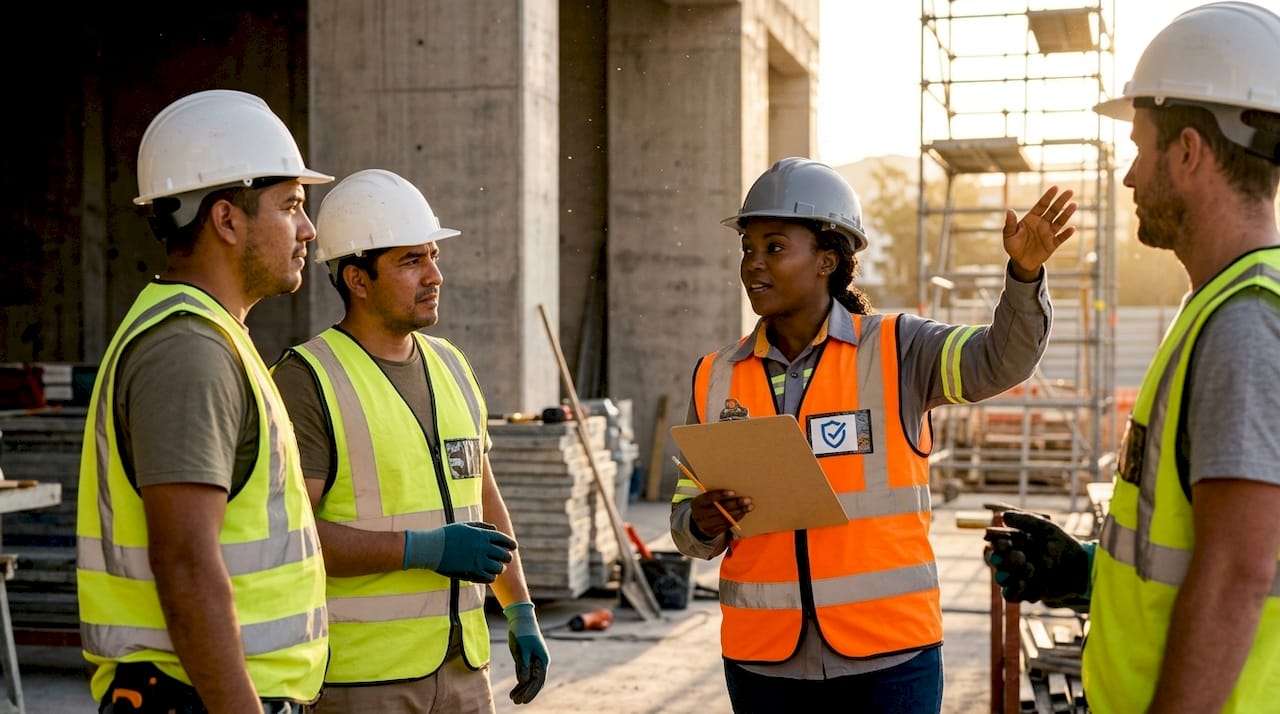
Tailgate safety meeting topics are defined as brief, focused pre-task discussions covering a single site-specific hazard or safe practice, typically lasting 5–15 minutes and held at the start of a shift. These sessions, also called toolbox talks, are the front line of worksite hazard communication in construction, manufacturing, utilities, and other high-risk industries. Selecting the right topic for each session determines whether workers leave more alert or simply check a compliance box. This guide gives safety personnel and site supervisors a practical framework for choosing, scheduling, and delivering talks that change behavior on the job.
What makes an effective tailgate safety meeting topic?
The most effective tailgate safety meeting topics connect directly to what workers will face that day. Generic topics about “general safety awareness” produce passive listening. A topic tied to a trench excavation scheduled for Tuesday morning produces attention, questions, and corrective action before anyone picks up a shovel.
Four criteria define a high-impact topic:
- Immediate relevance. The topic matches the day’s tasks or the week’s highest-risk activities.
- Incident linkage. Recent near-misses and incidents are the highest-leverage topic sources because workers connect them to lived experience.
- Regulatory alignment. Topics tied to active OSHA emphasis programs or upcoming audits reinforce compliance and demonstrate due diligence.
- Single focus. One hazard per session beats three hazards covered superficially. Attention drops when the scope expands.
Pro Tip: Pull your topic from the job hazard analysis completed that morning. If the JHA flags overhead power lines, that is your talk. The connection between the paperwork and the meeting signals to workers that safety planning is real, not ritual.
Avoid rotating through a fixed annual calendar without adjusting for site conditions. Tailgate meetings are most effective when supervisors treat topic selection as a dynamic decision tied to current job hazard analyses, not a pre-set list checked off month by month.
1. Fall protection
Falls remain the leading cause of fatalities in construction. A fall protection talk should cover the hierarchy of controls: elimination, passive fall protection such as guardrails, and personal fall arrest systems. Walk through inspection points for harnesses, lanyards, and anchor points before the crew disperses to their work areas.
2. Lockout/tagout procedures
Lockout/tagout (LOTO) failures cause severe injuries when equipment energizes unexpectedly during maintenance. Cover the six steps of LOTO, identify which machines on site require it that day, and confirm every worker knows who holds the lock. This topic is especially critical before any scheduled maintenance window.
3. Heat stress and hydration
Heat stress is a seasonal hazard that supervisors often underestimate until a worker collapses. Cover the early signs of heat exhaustion, the importance of drinking water before feeling thirsty, and the buddy system for monitoring coworkers. Seasonal hazards like heat stress in summer are among the highest-leverage topic sources for outdoor crews.
4. Confined space entry
Confined space entry carries a disproportionate fatality risk because rescuers often become victims. Cover permit requirements, atmospheric testing, continuous monitoring, and the rescue plan before any entry. This topic should run every time a confined space entry is scheduled, not just annually.
5. Forklift and mobile equipment safety
Struck-by incidents involving forklifts and mobile equipment are preventable with clear pedestrian separation and pre-operation inspections. Cover spotters, travel speed limits, load capacity, and blind spots specific to the equipment on site that day. Tie the talk to the actual equipment in use, not a generic forklift diagram.
6. Line-of-fire awareness
Line-of-fire incidents happen when a worker enters the path of a moving load, a pressurized release, or a swinging tool. This topic works well as a short scenario exercise: describe a real situation from the site or a recent industry incident and ask the crew where the line of fire is. Worker-generated answers reinforce the concept better than a supervisor’s lecture.
7. Tool and equipment inspection
Defective tools cause lacerations, fractures, and electrical injuries that are entirely preventable. Cover the pre-use inspection checklist for the tools scheduled for that shift, the process for tagging out defective equipment, and the expectation that no worker uses a tool they have not inspected. This topic takes under ten minutes and directly reduces incident frequency.
8. Chemical safety and SDS access
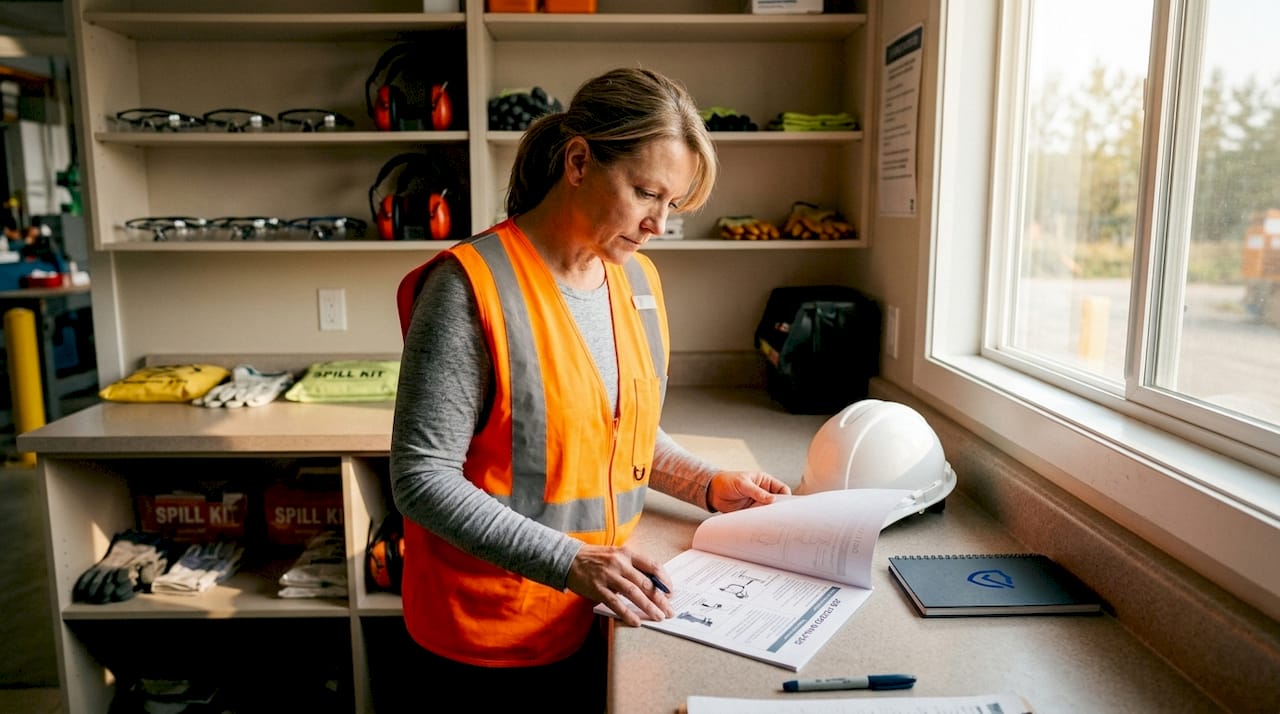
Workers handling hazardous chemicals need to know where the Safety Data Sheets are, what personal protective equipment is required, and what to do in a spill or exposure event. Tie this talk to the specific chemicals on site that day. Confirm that every worker can locate the SDS station before the session ends.
9. Seasonal and calendar-aligned topics
Seasonal observances provide a ready-made topic calendar that keeps content fresh year-round. Ladder Safety Month in march, National Safety Month in june, and Fire Prevention Week in october each align with predictable hazard patterns. Supervisors in landscaping and outdoor construction benefit from weather-related topics tied to seasonal risk profiles that shift with the calendar.
10. Near-miss reporting and culture
Near-miss reporting is the most underused leading indicator in worksite safety. A talk on this topic should explain what qualifies as a near-miss, how to report it without fear of blame, and what happens after a report is filed. Switching topics immediately after a near-miss engages workers by linking the discussion to something they just witnessed.
11. Ergonomics and manual handling
Musculoskeletal injuries from improper lifting and repetitive motion account for a significant share of lost-time incidents in warehousing and manufacturing. Cover proper lift mechanics, team lift thresholds, and the use of mechanical assists available on site. Supervisors in warehousing environments report that ergonomics talks reduce recordable injuries when tied to specific tasks scheduled that day.
How often should tailgate safety meetings be held?
Federal OSHA does not mandate a specific meeting frequency, but California requires tailgate meetings at least every ten working days. Daily pre-task briefings are the standard on high-risk construction sites. Weekly meetings represent the minimum for most industries.
Frequency recommendations by risk level:
- High-risk sites (excavation, confined space, energized work): daily pre-task briefings before each high-hazard activity.
- Standard construction and manufacturing: at least weekly, with additional sessions after any incident or near-miss.
- Lower-risk operations: weekly or biweekly, with immediate sessions triggered by seasonal hazard changes.
Short, frequent safety talks integrated into daily work planning reduce incident-related downtime and keep safety visible as part of the workflow rather than a separate obligation. Meetings beyond 15 minutes see a sharp drop in attention. Keep each session to a single topic and a tight time limit.
Pro Tip: Schedule your weekly tailgate safety meeting topics on Friday for the following week, then reserve the right to override any topic Monday morning if a near-miss or new hazard appears over the weekend. Flexibility is not a weakness in topic planning. It is the point.
Engagement techniques that make safety talks stick
Delivery determines whether a talk changes behavior or fades by lunchtime. Supervisors who avoid reading verbatim and use conversational three-to-five point outlines with real site examples produce measurably better retention. Workers remember stories from their own site far more than scripted bullet points.
Techniques that produce behavioral outcomes:
- Ask open-ended questions. “Where on this site could this happen to us?” generates more useful discussion than “Does everyone understand?” Worker silence often signals a cultural disconnect, not comprehension.
- Assign a personal action. Safety leaders who ask each worker to commit to one specific safety action per meeting shift the session from a lecture to a planning exercise.
- Follow up on concerns raised. Workers who raise hazards and see no corrective action stop raising hazards. Close the loop within 24 hours when possible.
Worker participation increases retention by 40–60%. That figure reflects a real behavioral mechanism: when workers contribute to the discussion, they take ownership of the outcome.
“The goal of every tailgate talk is not a signature on an attendance sheet. It is one worker making one safer decision before the shift ends. Build every topic, every question, and every follow-up around that outcome.”
Documentation closes the compliance loop. Detailed records must include the date, topic covered, hazards identified, attendees’ names, signatures, and any follow-up actions assigned. A sign-in sheet with a topic title is not sufficient for an audit. The record must show what was discussed and what corrective actions were committed to.
Key takeaways
The most effective tailgate safety meeting topics are site-specific, tied to immediate hazards, and delivered conversationally with documented follow-up to build both safety culture and audit-ready compliance records.
| Point | Details |
|---|---|
| Relevance drives engagement | Topics tied to the day’s tasks and current hazards produce attention and behavioral change. |
| Frequency matters | High-risk sites require daily briefings; weekly is the minimum for most industries. |
| Delivery beats content | Conversational outlines with real site examples outperform scripted readings every time. |
| Participation increases retention | Open-ended questions and personal action commitments raise retention by 40–60%. |
| Documentation is non-negotiable | Records must include date, topic, hazards, attendee signatures, and follow-up actions to be audit-ready. |
What I have learned from years of watching tailgate talks succeed and fail
The single biggest mistake I see supervisors make is treating the tailgate talk as a formality. They read from a laminated card, collect signatures, and move on. Workers recognize that pattern immediately, and they disengage just as fast.
The talks that actually change behavior share one quality: they feel urgent. The supervisor references something that happened yesterday, or something that is about to happen in the next two hours. Workers lean in because the topic is about them, not about a generic worker in a training video.
I have also watched organizations invest heavily in elaborate topic libraries and monthly calendars, only to see engagement collapse because supervisors could not deviate from the schedule. A near-miss happened on a Tuesday, but the calendar said the topic was hand tool safety. The crew needed to talk about the near-miss. Rigid schedules create exactly the kind of passive, ritualistic meetings that erode safety culture over time.
The other pattern I find underappreciated is follow-up. Workers will raise hazards exactly once if nothing happens afterward. When a supervisor closes a concern within a day or two, the next meeting produces twice the participation. Trust is built in the follow-up, not the talk itself.
Short, frequent, and flexible. That is the formula. A five-minute talk about the actual hazard in front of the crew right now beats a fifteen-minute presentation on a topic that does not apply to anyone in the room.
“The right tailgate topic speaks directly to the hazards your crew will face in the next four hours. MySafetySolution puts relevant, engaging, and compliant topics in supervisors' hands with zero prep time required.”
— Matthew Hoffman, President - MySafetySolution
How My Safety Solution supports your safety meeting program
Safety personnel managing multiple crews and sites face a real documentation burden. Tracking topics, attendance, signatures, and corrective actions across paper sign-in sheets creates a patchwork record that fails under audit scrutiny.

My Safety Solution automates the administrative side of tailgate meeting management, capturing digital signatures, logging topics and hazards discussed, and generating audit-ready records in real time. The platform’s AI-powered content generation suggests site-specific topics based on your industry and scheduled tasks, reducing the time supervisors spend on meeting preparation. For construction, manufacturing, trucking, and utilities teams, My Safety Solution delivers OSHA-compliant meeting software that keeps safety personnel focused on hazard prevention rather than paperwork.
FAQ
What are the best tailgate safety meeting topics for construction?
Fall protection, lockout/tagout, and struck-by hazards are the highest-priority topics for construction sites. Select the specific topic based on the tasks and equipment scheduled for that day.
How long should a tailgate safety meeting last?
Tailgate meetings should last 5–15 minutes and cover a single topic. Sessions longer than 15 minutes see a sharp drop in worker attention and retention.
How often should weekly tailgate safety meeting topics change?
Topics should change every session and align with current site hazards, upcoming high-risk tasks, or recent near-misses. A fixed annual calendar without flexibility reduces engagement and misses real-time hazard communication opportunities.
What records are required for a tailgate safety meeting?
Compliant documentation must include the meeting date, topic covered, hazards discussed, each attendee’s name and signature, and any follow-up actions assigned. A topic title and a sign-in sheet alone do not satisfy audit requirements.
What is a toolbox talk and how does it differ from a tailgate meeting?
A toolbox talk and a tailgate meeting refer to the same type of brief, pre-task safety discussion. The terms are used interchangeably across construction, manufacturing, and other high-risk industries.